How to share your items with a storefront in Sklad
A storefront is a link that shows your items to anyone, with no account. You choose its title and language, and when the link expires.
Do this
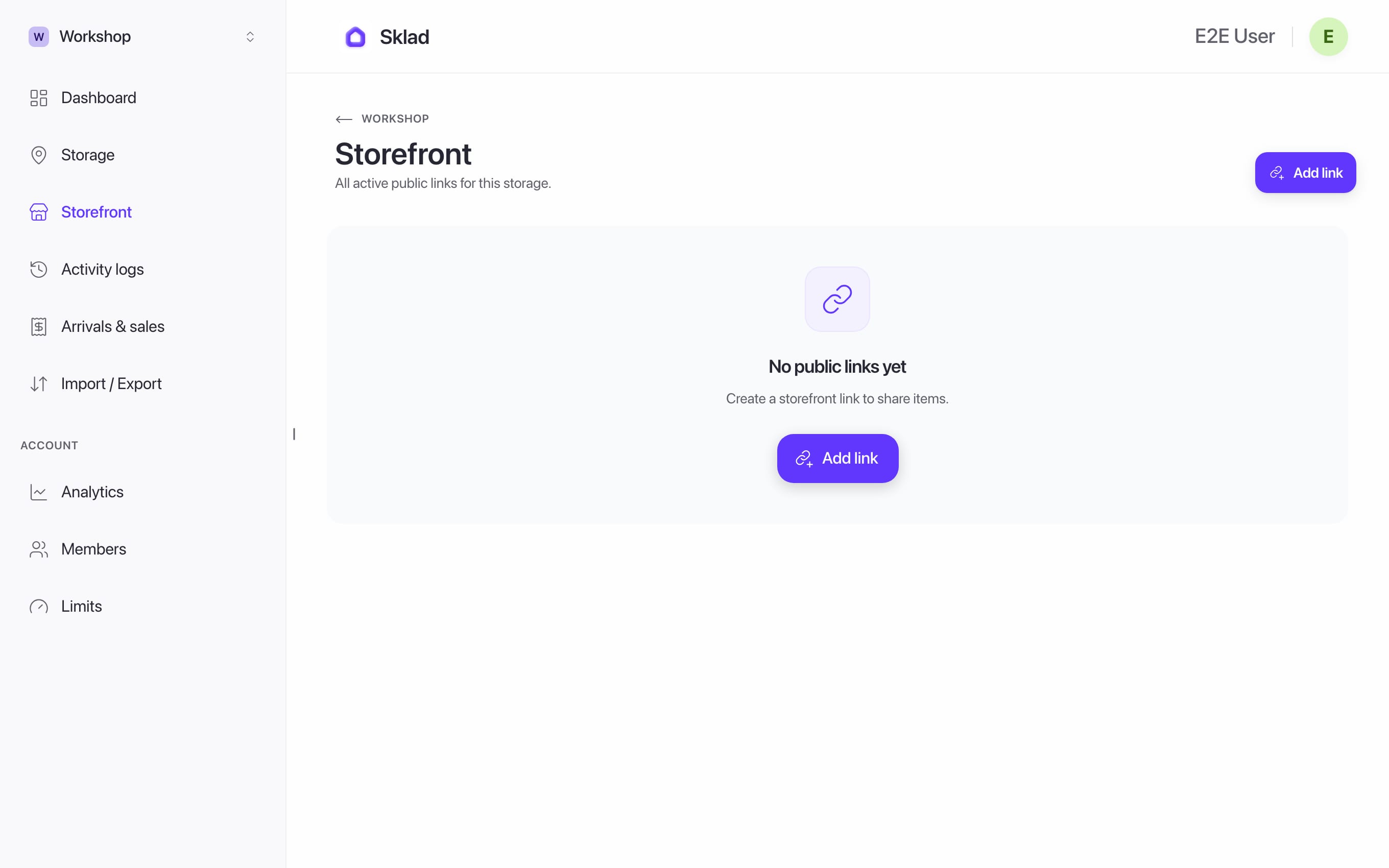
- In the sidebar, open Storefront and click Add link.
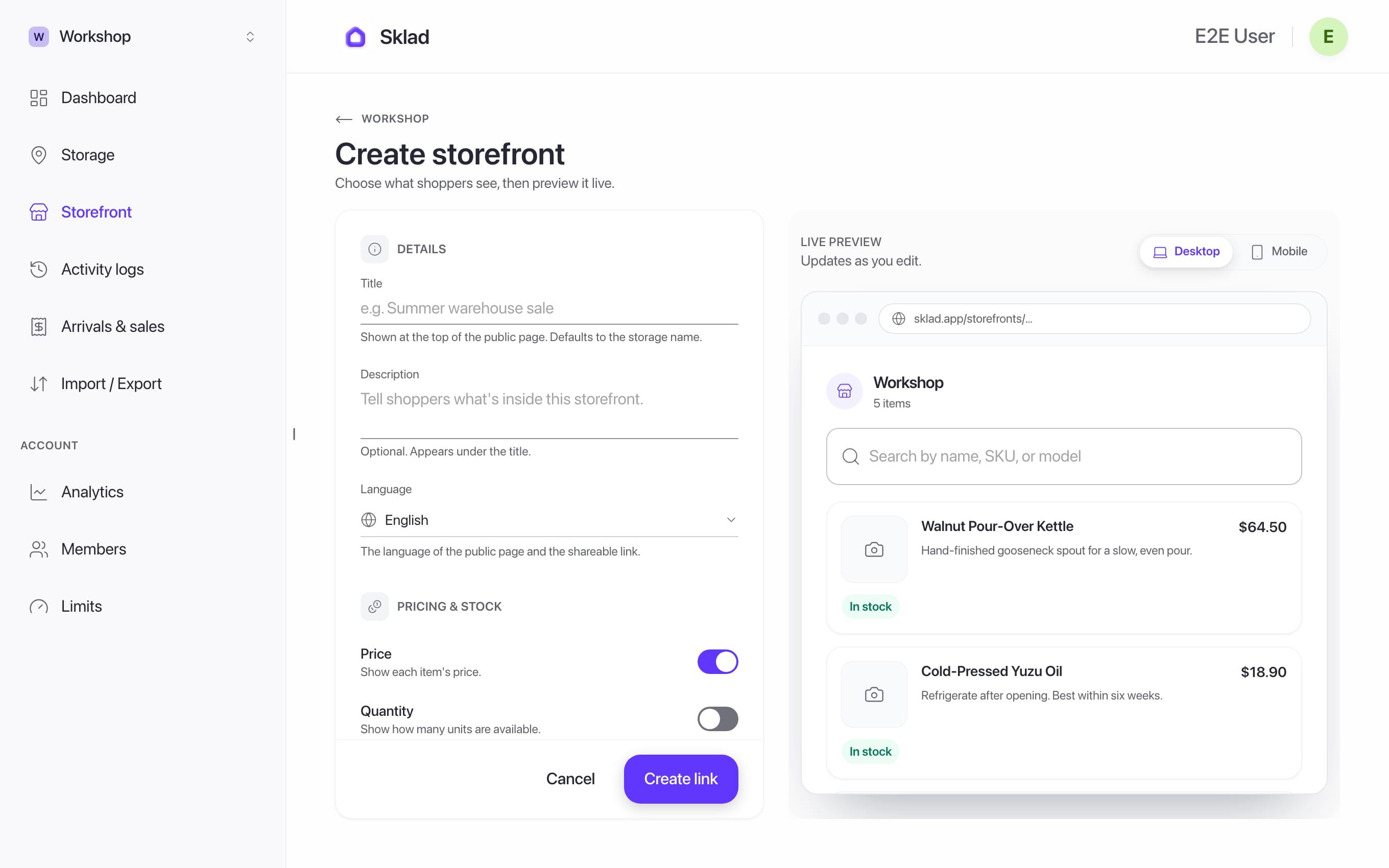
- Give it a title, a description and a language, and choose when it expires. Click Create link.
- Click Copy and send the link. See preview shows it the way a visitor sees it.
If it goes wrong
"Storefronts aren't shared with you": ask the storage owner to turn on See item prices for you. See Members and roles.
- Anything elseContact us
Next
- How to invite members and set roles in SkladInvite people to your account, then choose which storages each one can see.
- How to add items with photos and notes in SkladAn item is one thing you keep track of: its name, how many you have, and where it is.
- How to choose and change your Sklad planSklad has three plans: Free, Starter and Business.