How to choose and change your Sklad plan
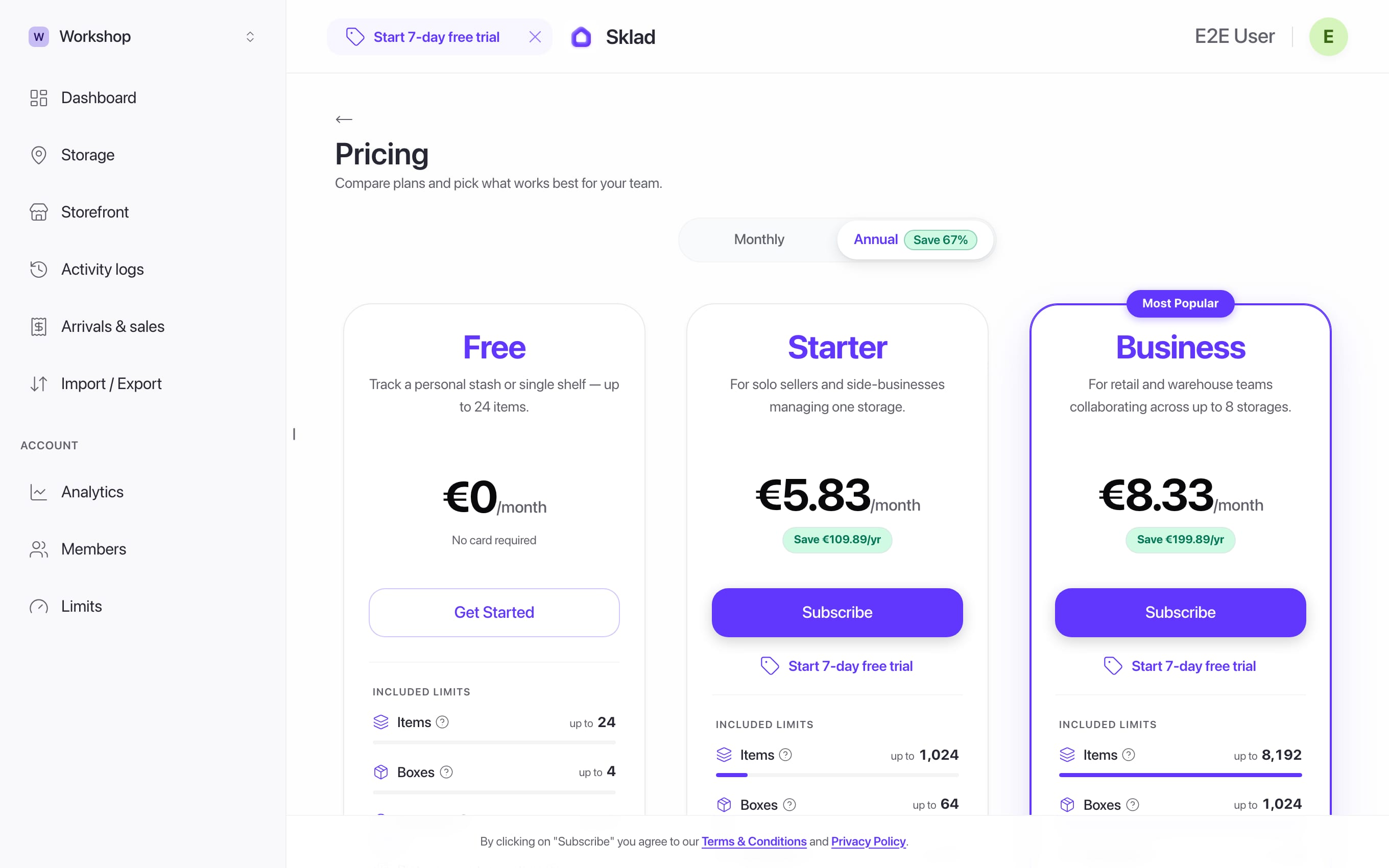
Sklad has three plans: Free, Starter and Business. They differ in how much you can store and in what comes with it. You can see your plan, and what you are using, at any time.
Do this
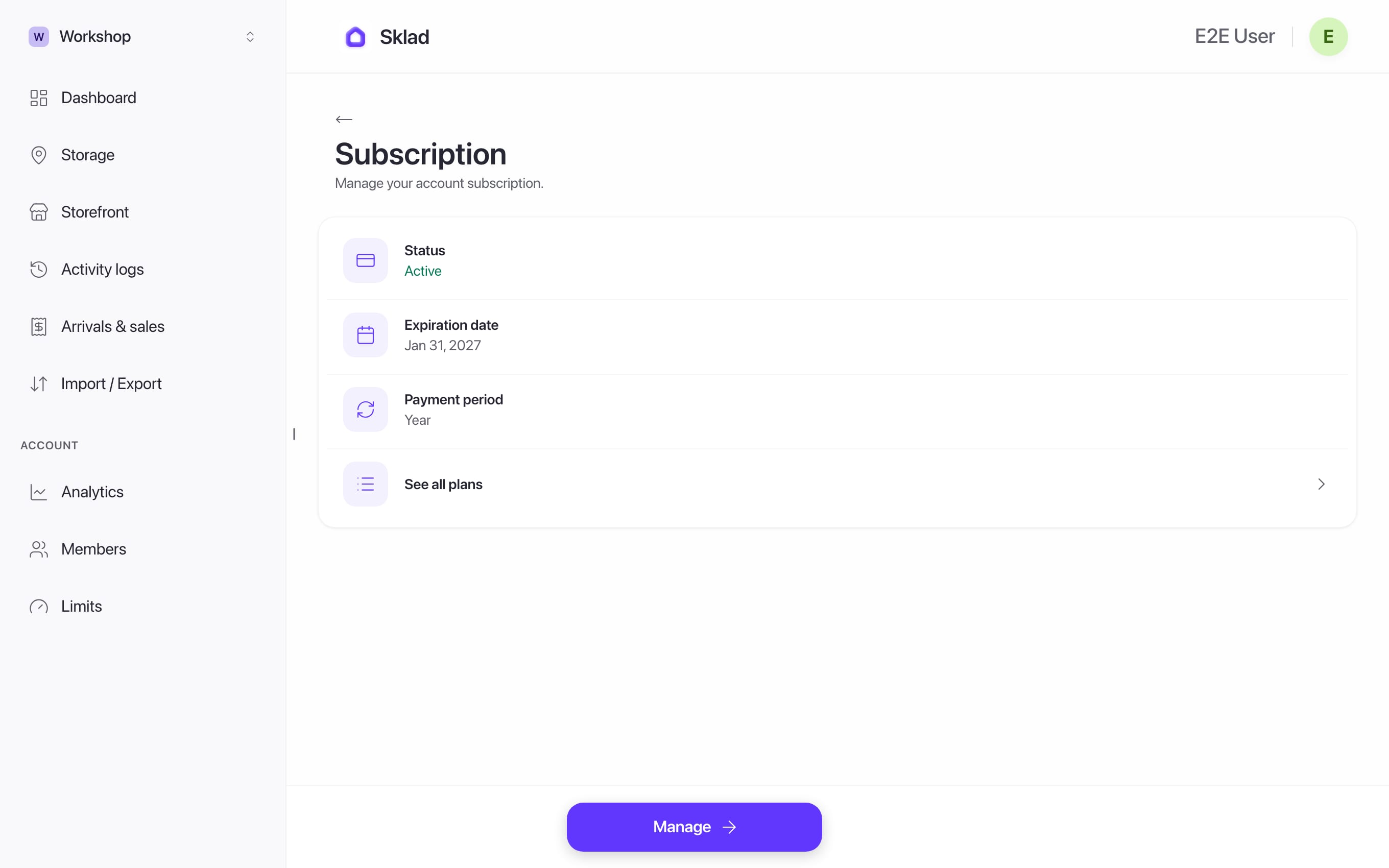
- Open your avatar menu → Subscription to see your plan and when it renews.
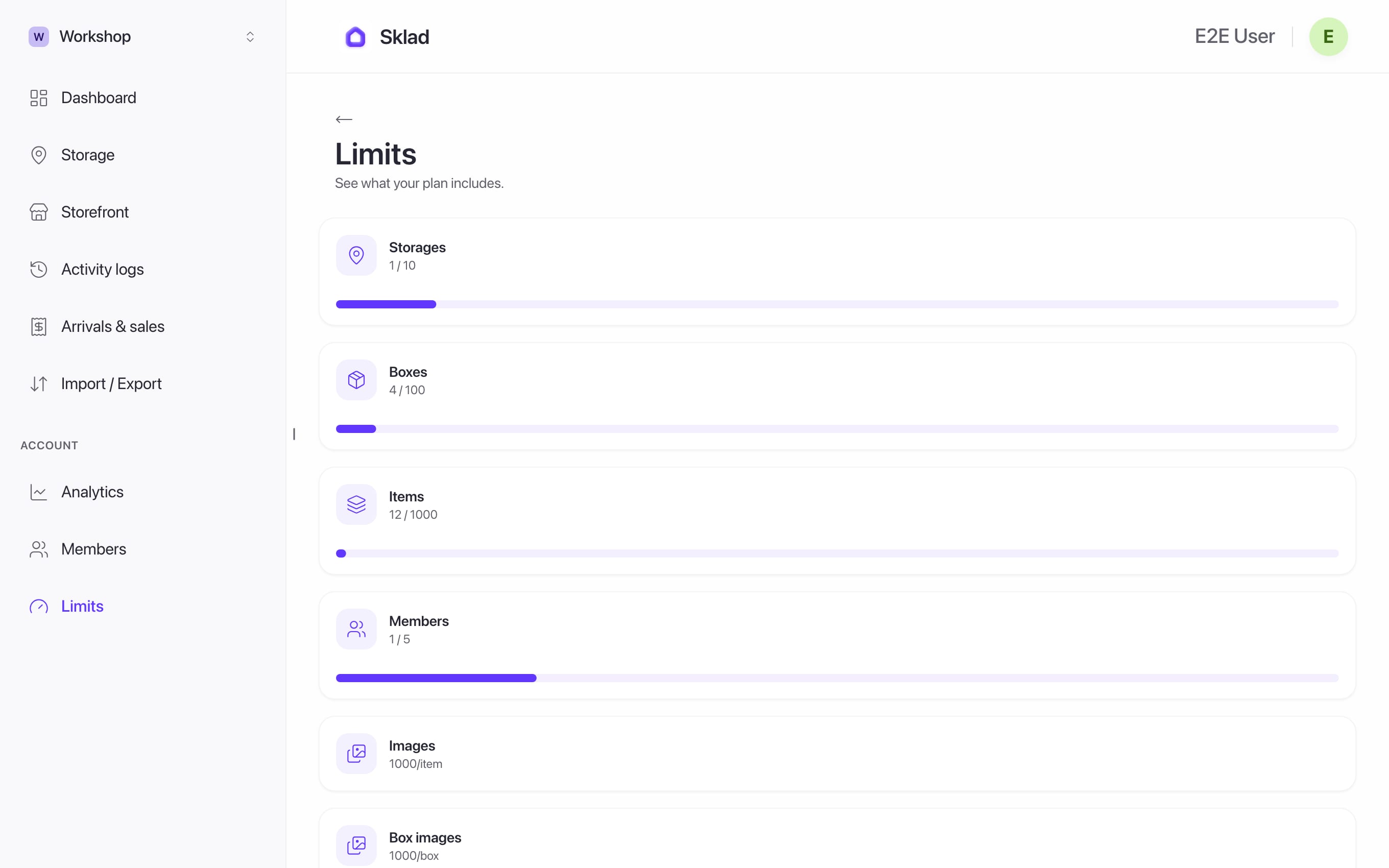
- Open Limits in the sidebar to see how much of each limit you use.
- To change plan, click See all plans. Choose monthly or annual, then Subscribe or Start 7-day free trial.
- To change card or cancel, click Manage.
If it goes wrong
"You're already subscribed on Apple": a plan bought on iPhone is managed in the iPhone's Settings, not here.
- What does my plan include?What limits does my current plan include?
- Anything elseContact us
Next
- Pricing
- How to set up storages and boxes in SkladA storage is one place you keep things, like a stockroom, a garage or a shop.
- How to invite members and set roles in SkladInvite people to your account, then choose which storages each one can see.
- How to check the activity history in SkladThe activity log shows who changed what, and when, in a storage.