Operations managers
Review the full catalog, check low-stock items across locations, and make reorder decisions with a complete data picture.
Review. Search. Filter.Import. Export. Audit.
The jobs you do at a desk: review the full catalog, search and filter across locations, import data from suppliers, export reports, and audit every change your floor team made today.
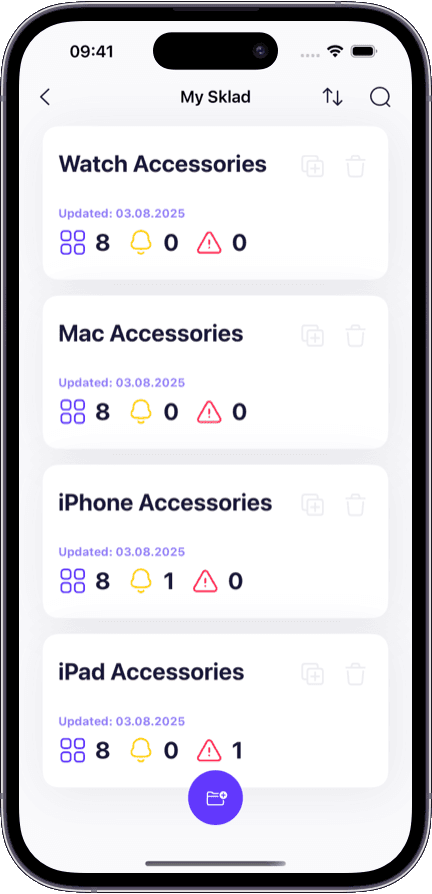
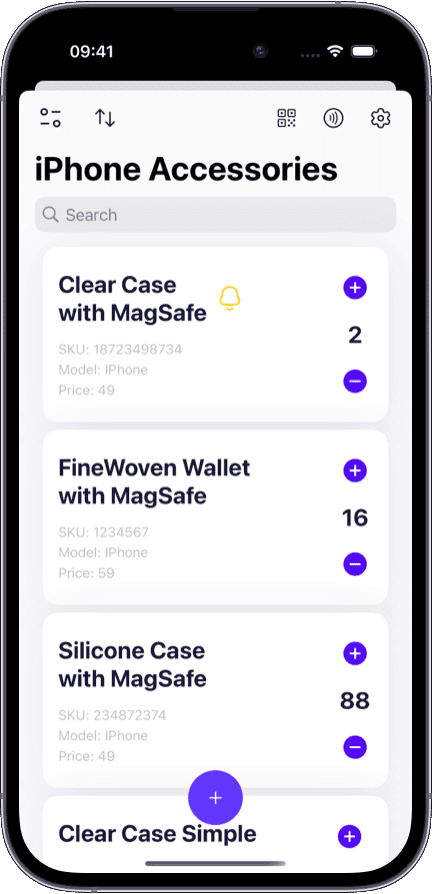
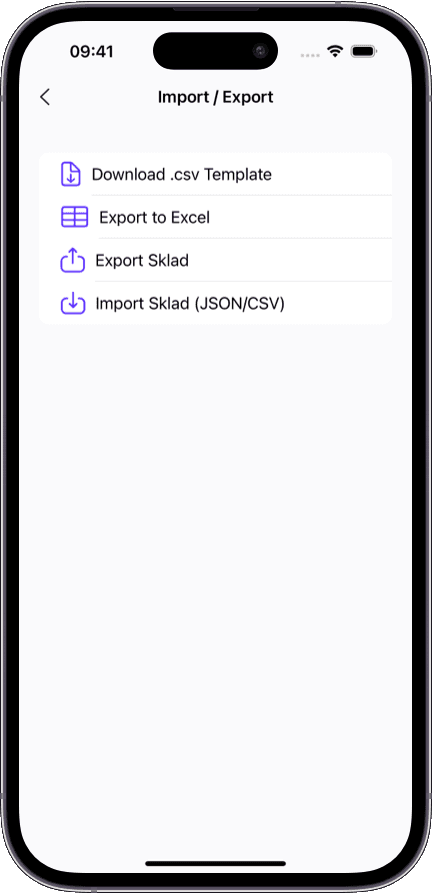
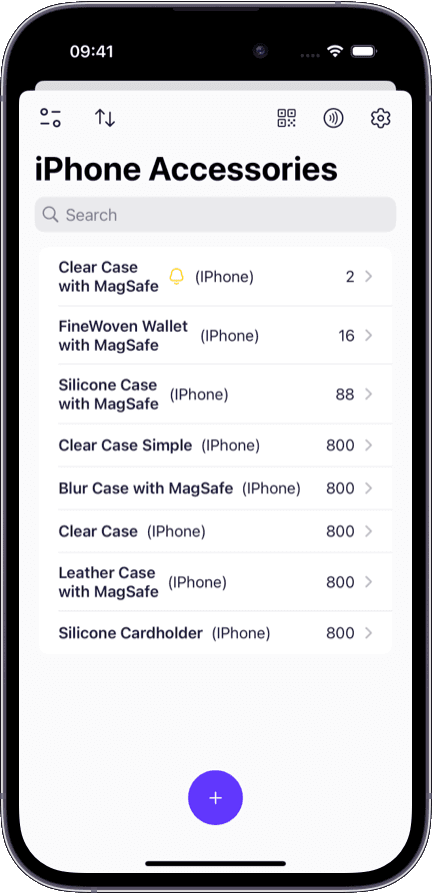
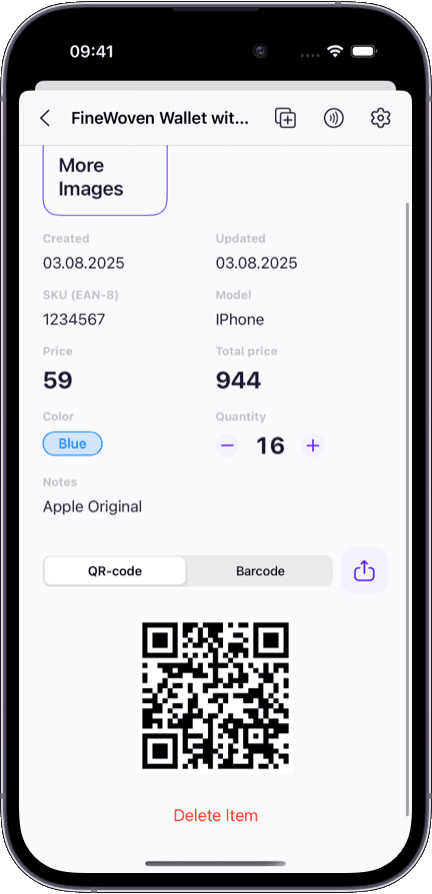
Mac and web give you the screen space, input devices, and file system that desktop jobs demand:
Multi-column catalog view — see item name, quantity, location, last updated, and thumbnail in one row.
Advanced filtering — combine location, quantity range, low-stock status, and date to surface exactly what you need.
Visual CSV import — map supplier columns to Sklad fields with drag-and-drop on a wide screen.
One-click export — download filtered inventory as CSV or Excel directly to your Mac's file system.
Wide-format audit trail — timestamps, user names, actions, and old/new values displayed in a readable table.

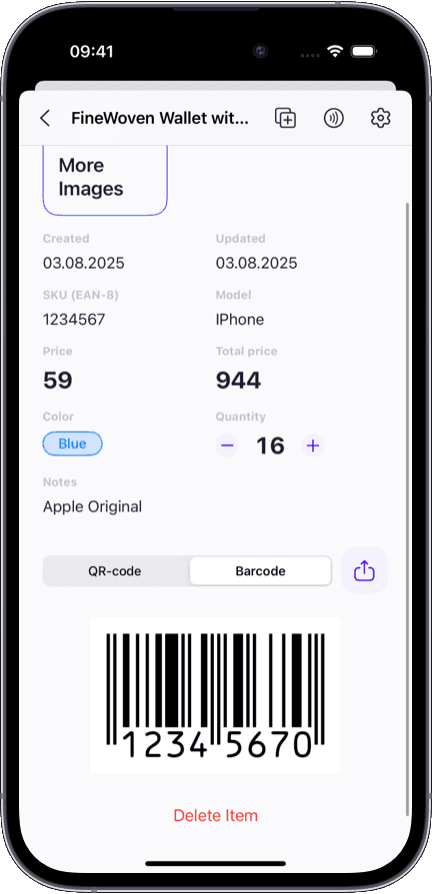
A phone app on a big screen is not a desktop experience. Here is what managers and analysts actually struggle with:
Reviewing hundreds of items on a mobile-designed list means endless scrolling with no filters or sorting.
Importing a supplier catalog from CSV is impossible on a phone — you need column mapping on a real screen.
Exporting a report for accounting requires file management that mobile OS's make painful.
Reading an audit trail in a single-column mobile view hides the context needed to spot patterns.
Team oversight — who changed what today — is not something you can skim on a 6-inch screen.
Different people sit at a desk for different inventory reasons.
Review the full catalog, check low-stock items across locations, and make reorder decisions with a complete data picture.
Import supplier catalogs, export inventory reports, and reconcile stock numbers against purchase orders.
Read the full change history for any item: who changed it, when, what the old value was, and what device was used.
Get a high-level view of inventory health: total stock value, low-stock items, team activity, and recent changes — all in one dashboard.
Both connect to the same workspace. But you reach for each one at a different moment.
Scanning, counting, and photographing on the floor
Reviewing, filtering, importing, exporting, and auditing at a desk
Camera, touch, swipe — optimized for one-handed operation
Keyboard, mouse, file system — optimized for data-heavy workflows
30 seconds per scan during receiving or counting
10–30 minute review, import, or reporting session
Single-item detail view focused on the current action
Multi-column list view for browsing and comparing across items
No file import or export — that is a desktop job
CSV/Excel import and export with full column mapping
The best inventory setup uses both: iPhone for the warehouse floor, Mac for the office desk. Same workspace, same data, different jobs.
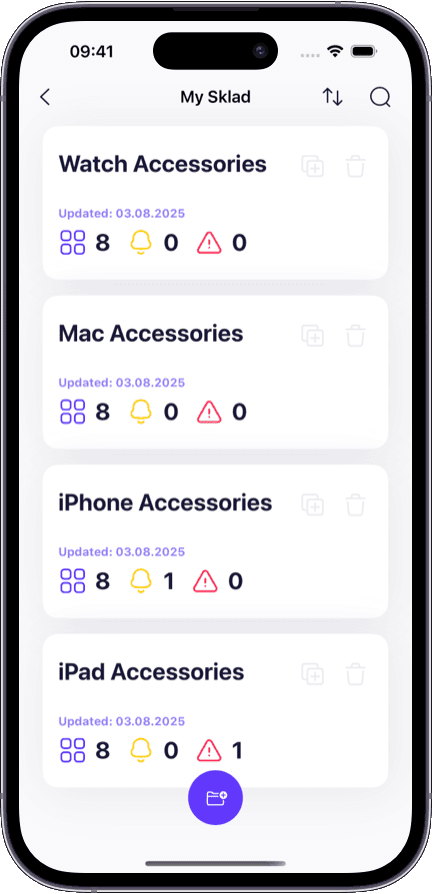
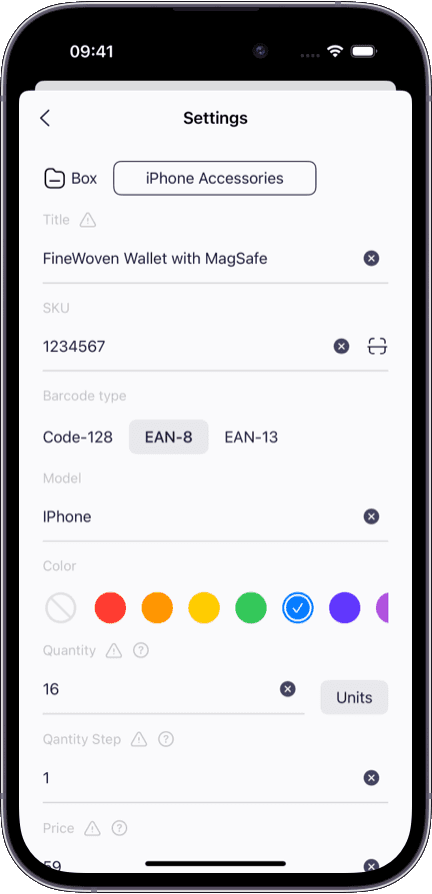
Open Sklad in any browser — no install required. Or use the native Mac app for a tighter desktop experience.
Everything your floor team scans on iPhone is already in the workspace when you sit down.
Import and export flows are designed for mouse and keyboard, not adapted from a mobile interface.
Free plan includes full desktop access — review, filter, and audit without upgrading.
Using iOS for floor work that feeds into your desktop? See how the iOS inventory app handles scanning, counting, and photos on the go.
Need to manage stock across multiple locations from your desk? Our multi-warehouse inventory software explains the location hierarchy.
Looking for a complete overview of the platform? Our inventory management software hub page covers catalog, locations, permissions, and more.
No. You can use Sklad directly in your web browser without installing anything. There is also a native Mac app available if you prefer a dedicated desktop application.
Yes. The web version and the native Mac app connect to the same workspace and offer the same functionality: catalog review, search, filtering, import, export, and audit trail review.
Yes. The import flow lets you upload a CSV or Excel file, map columns to Sklad fields visually, and import your inventory in one step. This works best on desktop where you can see the column mapping on a wide screen.
Apply any filters you need — location, quantity range, low-stock status — and click Export. Sklad generates a CSV or Excel file that downloads to your Mac. The export includes all visible fields.
Yes. When a team member scans a barcode on iPhone at the dock, the update appears in your Mac workspace within seconds. There is no manual sync — it is automatic and continuous.
Yes. The audit trail on Mac and web displays in a wide-format table showing timestamp, user, action, and old/new values. This is much easier to read and analyze than the mobile view.
Yes. Full desktop access is included in the free plan — review inventory, search and filter on any Mac or browser. The audit trail starts on the Starter plan.