Solo operators and freelancers
You manage equipment, supplies, or products alone. You need a tool that stays out of your way.
Simple is not about having fewer features. It is about fewer steps to get the job done:
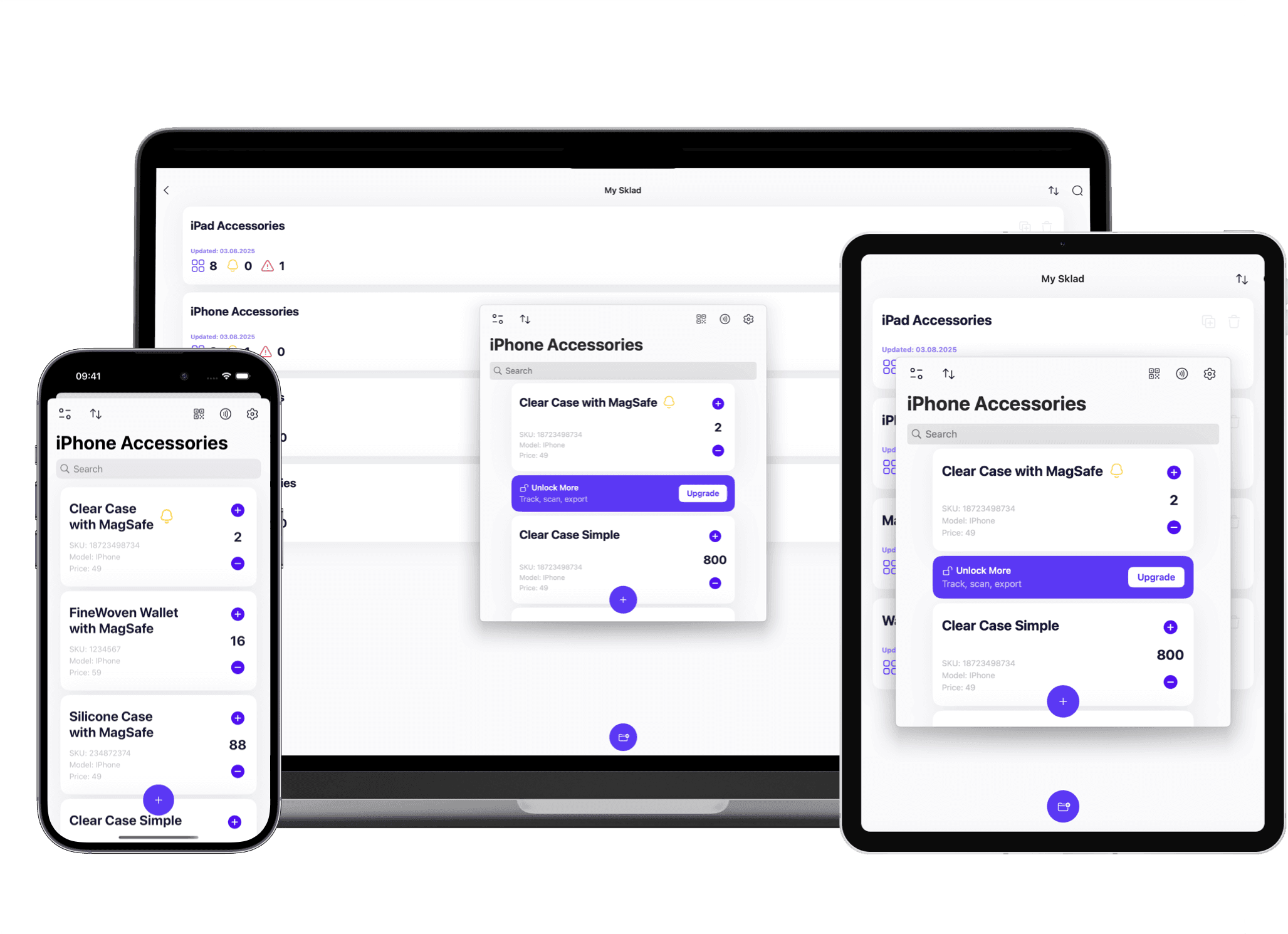
One screen to add an item — name, quantity, photo, done.
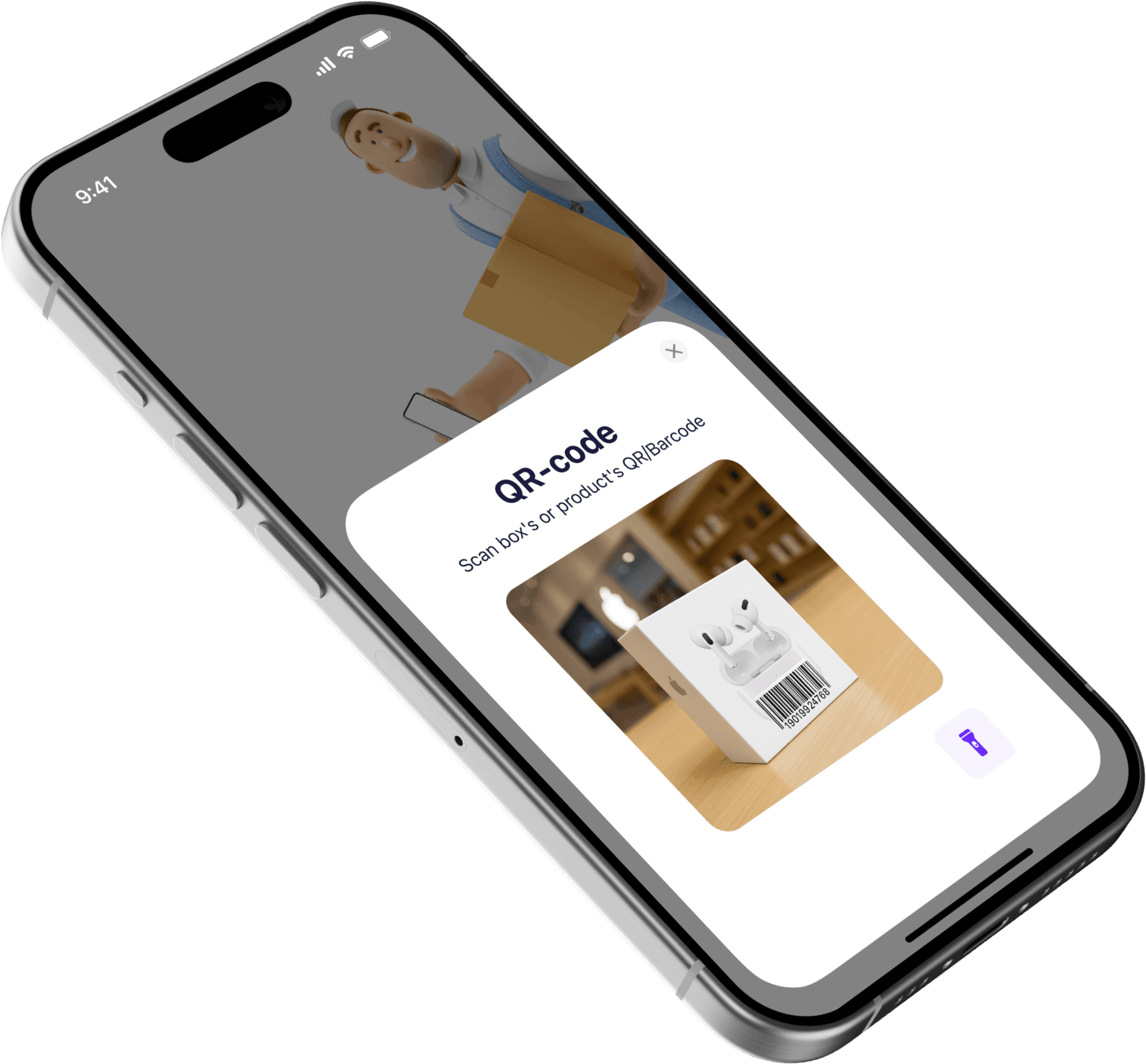
One tap to scan a barcode and pull up everything about that item.
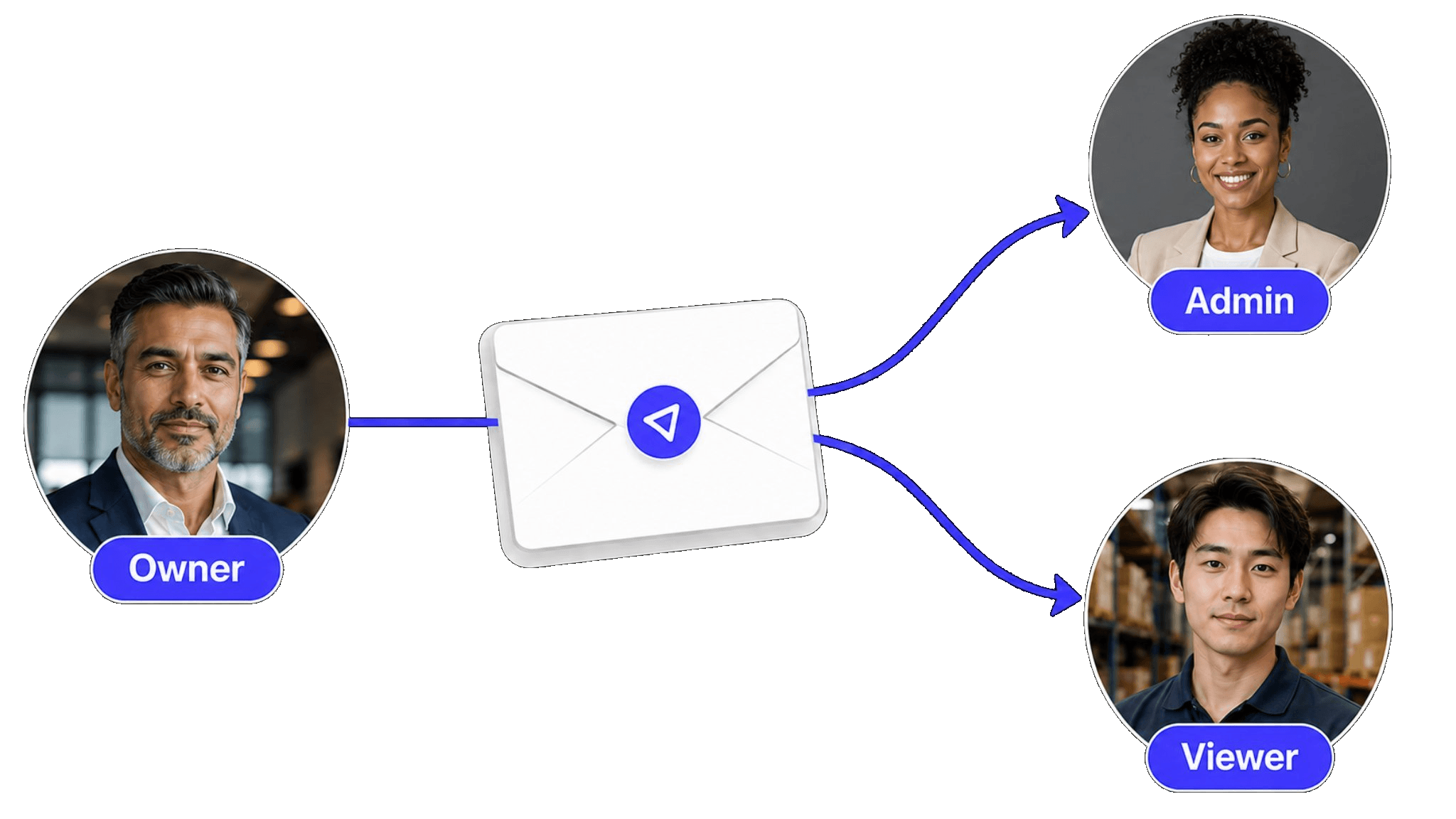
One link to invite a teammate — no admin panel, no role matrix.
One search bar to find anything by name, barcode, or custom field.
One export button to get your data out as CSV whenever you need it.
You have probably tried an inventory app before. Here is why it did not stick:
Setup required a 30-minute wizard with fields you did not understand.
The interface had so many tabs, menus, and settings that daily tasks felt buried.
Training the team took longer than the problem you were trying to solve.
After a week, half the team went back to texting photos and keeping mental notes.
The app was designed for enterprise warehouses, not for your actual workflow.
Not everyone needs an enterprise system. These teams need speed and clarity.
You manage equipment, supplies, or products alone. You need a tool that stays out of your way.
Volunteers, event staff, studio assistants — people who will not read a manual but still need to log items.
Short-lived setups where time-to-start matters more than feature depth.
You tried a full inventory system, adoption failed, and now you want the opposite of that.
More features does not mean more value. Here is where simplicity wins.
30-minute wizard with required fields and integrations
Sign up, create a storage, add your first item in under 5 minutes
Video tutorials, documentation, and onboarding calls
Self-explanatory screens — no training needed
Navigate through nested menus to update a count
Open the app, scan or search, update, done
Half the team stops using it after a week
Everyone uses it because every action takes seconds
Dashboards, integrations, and modules you never open
Only what you need: items, locations, counts, search
The best inventory app is the one your team actually opens every day. Simplicity is what makes that happen.
Designed for people who do not want to become inventory software experts.
Every feature earns its place — if it adds a step, it does not ship.
Works on iPhone, iPad, and Mac with nothing to configure.
Free tier with no time limit — upgrade only when your needs grow.
If you run a small business and want features tailored to retail, food service, or small warehouses, see our small business inventory software page.
Need the full platform with catalog management, permissions, and audit history? Start with inventory management software.
Want to try Sklad without paying? Learn about the free inventory app tier and what is included.
A simple inventory app minimizes the number of steps between opening the app and completing a task. It means no mandatory setup wizards, no deeply nested menus, and no features that require training to understand. You should be able to add an item, find an item, and update a count without reading documentation.
No. Simple means fewer steps, not fewer capabilities. Sklad includes barcode scanning, multi-location support, photo attachments, CSV import and export, and team sharing. The difference is that these features are accessible in one or two taps, not buried behind configuration.
Most teams are tracking inventory within five minutes. Sign up, create a storage, and add your first item. There is no onboarding wizard and no mandatory configuration. Invite teammates by sharing a link — they can start immediately.
No. Sklad is designed so that every screen explains itself. Team members who have never used an inventory app before can add items, scan barcodes, and update counts on their own without a walkthrough.
Small business inventory software is organized around business types like retail, food service, or warehousing. A simple inventory app is organized around speed of adoption — it is for anyone who wants to start tracking items immediately with the least friction possible, regardless of industry.
Yes. Sklad scales from a free tier for individuals to paid plans for teams. Your data, items, and structure carry over. You never need to migrate or re-enter information when you upgrade.
Yes. Scan any barcode or QR code with your iPhone or iPad camera. It is one tap to scan, one tap to update. No extra hardware or setup required.
Yes. Import items from a CSV file in a single step. Map your columns, confirm, and your items are ready. You can also add items one by one or by scanning barcodes.