Businesses with a warehouse and a store
Track what is in the back and what is on the floor. Move items between them and know the count at each.
The data model maps directly to your physical setup:
Storage = a physical location (warehouse, store, stockroom, storage unit).
Box = a container inside a storage (shelf, bin, pallet, zone, room).
Item = a product or asset inside a box with quantity, photos, barcode, and notes.
Move = transfer items between boxes with a logged origin, destination, timestamp, and user.
Every action on any item is recorded in the activity log with full attribution.
The moment you have more than one warehouse, stockroom, or store, these problems appear:
Each location tracks stock in its own spreadsheet — nobody has the full picture.
Transfers between locations are recorded by text, email, or not at all.
Counting stock requires being physically present because there is no live view of other sites.
New team members at one location cannot see or access inventory at another.
Audits mean collecting files from every location and manually reconciling counts.
Any operation where items exist in more than one physical place.
Track what is in the back and what is on the floor. Move items between them and know the count at each.
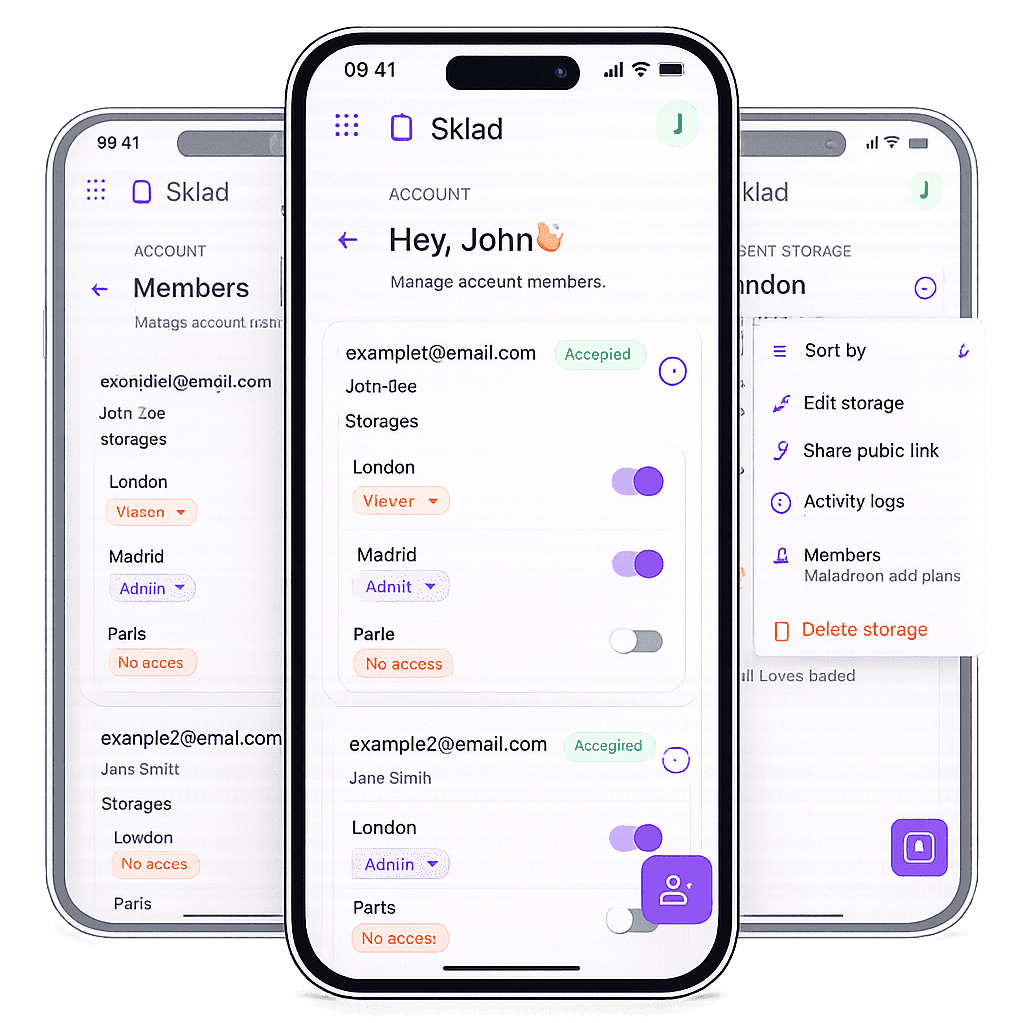
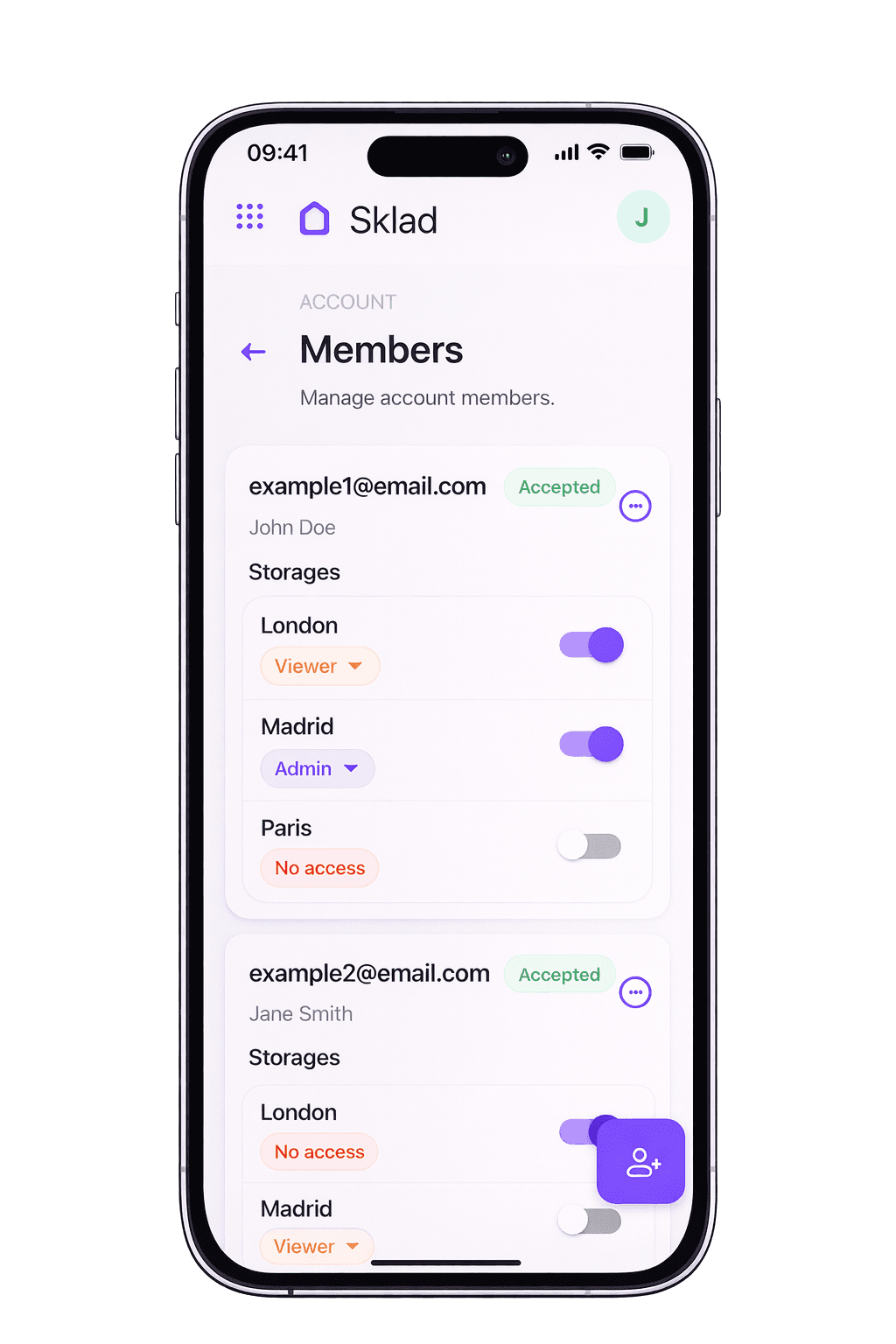
Each site gets its own storage. Managers see all sites from one dashboard. Staff sees only their location.
Create a storage for each unit. Catalog contents with photos so you know what is where without driving there.
Equipment moves between venues, studios, and storage. Track what is deployed, what is stored, and what is in transit.
Most multi-location teams start with a spreadsheet per warehouse. Here is where that breaks down.
Open each file separately to check stock at a location
Switch between storages in one app — or see totals across all
Update two files manually and hope both sides match
Move items between boxes with one action, logged automatically
Share the file or don't — no per-location control
Invite members to specific storages with role-based access
No reliable record of who changed what at which location
Activity history per item, per box, per storage with user and timestamp
Laptop only, or a phone-unfriendly spreadsheet
iPhone for scanning, iPad for counting, Mac for review — all synced
Sklad replaces one spreadsheet per warehouse with one account for all warehouses.
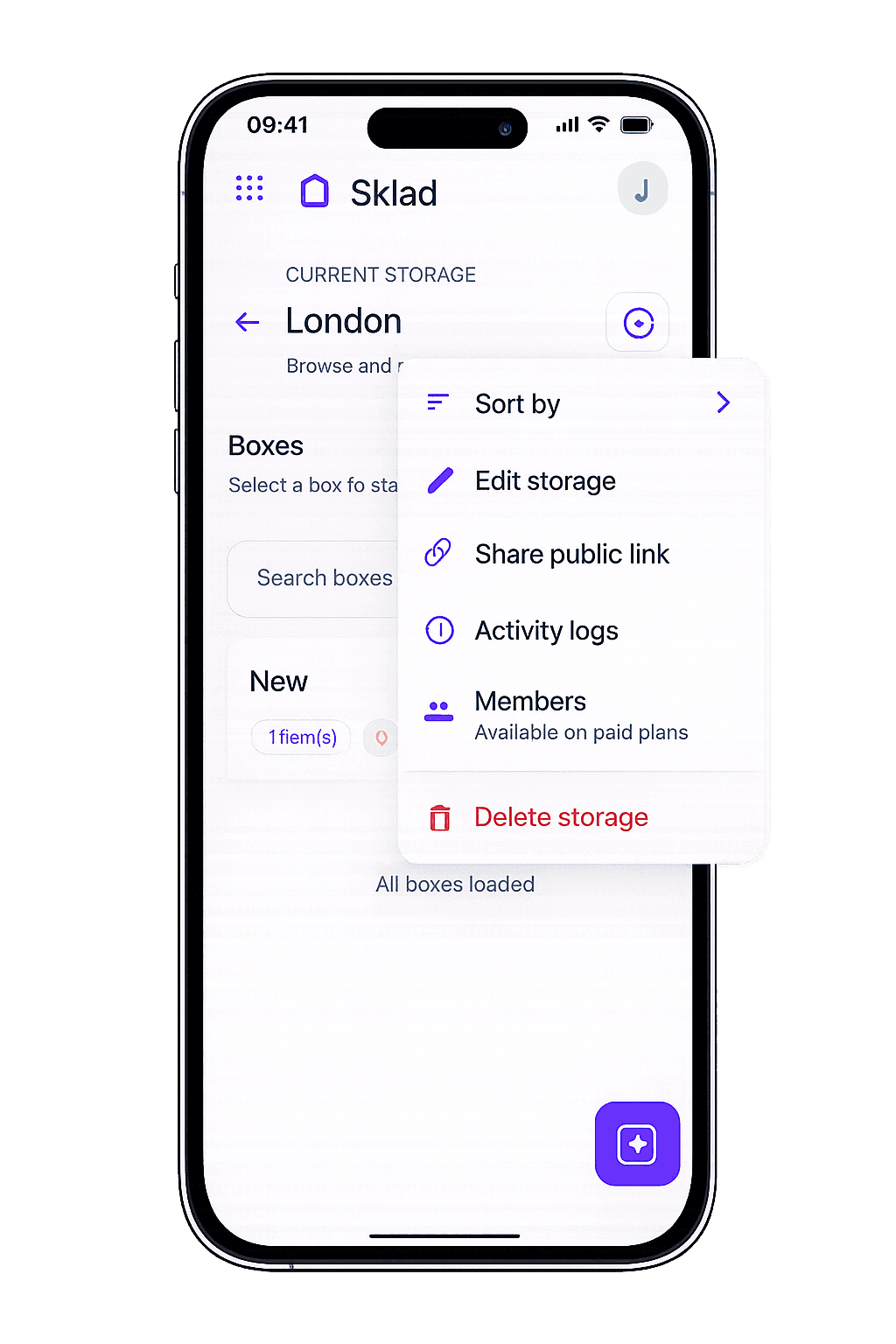
The storage → box → item structure matches how real warehouses are organized.
Add a new location in seconds — create a storage, add boxes, start tracking.
Every move, edit, and count is logged so you can trace any change back to a person and time.
The free tier gives you one storage to learn the structure; multiple locations start on the Business plan.
Want to control who sees what at each location? See the shared inventory app for role-based team access.
Looking for the full inventory platform overview? Start with inventory management software for catalog, permissions, and import/export.
Each warehouse, stockroom, or store becomes a Storage in Sklad. Inside each storage, you create Boxes that represent shelves, bins, pallets, or zones. Items live inside boxes with quantities, photos, and barcodes. This three-level hierarchy — storage, box, item — maps directly to how physical locations are organized.
Yes. You can move items from one box to another — within the same storage or across different storages. Every move is logged in the activity history with the origin, destination, timestamp, and the team member who performed it.
Yes. Sklad uses role-based access at the storage level. You can invite a warehouse worker to see only their location, while managers can access all storages from one account.
Yes. The free plan and Starter each include one storage, so managing several warehouses starts on the Business plan. Boxes and items scale with the plan too — the pricing page lists the current limit for each.
The dashboard shows an overview of all your storages. You can switch between them to see stock per location, or review totals across your entire account.
Yes. Sklad runs on iPhone and iPad with barcode scanning built in. Warehouse staff can scan items, move stock, and update counts from their phone while walking the floor. Changes sync to all devices in real time.
Yes. Import items from CSV files into any storage. You can set up each warehouse with its existing inventory list during onboarding, then maintain it in Sklad going forward.
Yes. Every action — adding items, changing quantities, moving stock, editing details — is recorded in the activity log with a timestamp and the name of the person who performed it. You can review activity per storage or per item.