Returns and warranty processing
Compare the receiving photo with the return to determine whether damage happened in transit, in storage, or at the customer site.
Condition. Proof.Claims. Warranty.
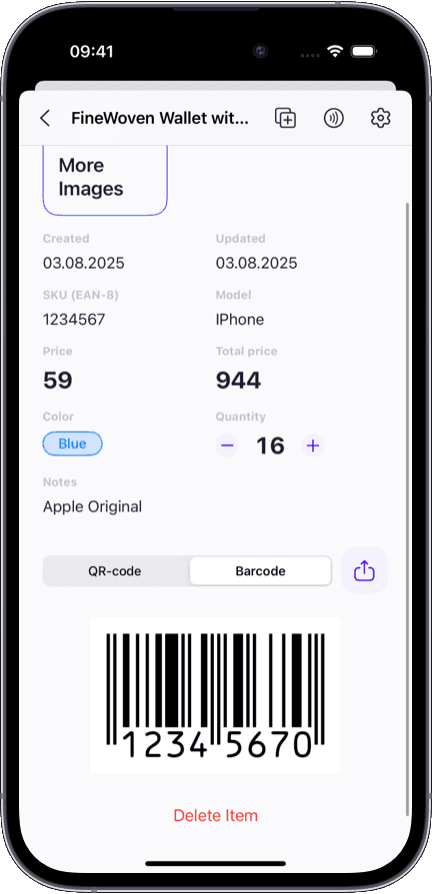
Attach photos to every item record so your team can prove condition at receiving, resolve warranty claims with evidence, and identify the right SKU without guessing.
When photos live inside the item record, every team member sees the same visual truth:
Receiving documentation — photograph condition at intake so every item has a timestamped visual baseline.
Warranty and claims evidence — compare the receiving photo to the return to prove when damage occurred.
Visual picker reference — staff see the exact item, not just a name, before pulling it off the shelf.
QA checkpoints — walk the floor and compare real items against stored photos to spot discrepancies.
Version tracking — photograph revisions, packaging changes, and label updates so the catalog stays current.

Without visual documentation, teams face the same arguments and mistakes on repeat:
Lookalike items get mixed up — staff ship the wrong variant because names are identical and labels are tiny.
Warranty claims turn into he-said-she-said because no one photographed the item at receiving.
Photos end up scattered across phone galleries, chat threads, and shared drives with no link to the item record.
New hires cannot visually identify stock and constantly ask 'which one is this?' slowing everyone down.
Condition changes go undocumented — by the time someone notices damage, no one knows when it happened.
Photos matter most when items look similar, condition matters, or proof is required.
Compare the receiving photo with the return to determine whether damage happened in transit, in storage, or at the customer site.
Photograph every item at arrival. If a shipment dispute arises later, the photo is the evidence.
Document condition of electronics, equipment, and rental items before and after each use cycle.
When you stock 12 shades of the same product, photos prevent picking errors that text descriptions cannot.
A name and SKU tell you what an item is. A photo proves what it looks like.
Name and SKU only — lookalike variants get confused regularly
Photo attached to each record — visual confirmation before every action
No documentation of condition at intake
Timestamped photo taken at receiving, stored in the item record
No evidence of original condition — claims are subjective
Before-and-after photos prove when damage occurred
Staff rely on memory and label reading to find the right item
Pickers see the item photo on their phone and match visually
New staff constantly ask 'which one is this?'
Photos in the record are self-explanatory from day one
Photos do not replace data — they fill the gap between what a spreadsheet says and what the item actually looks like.
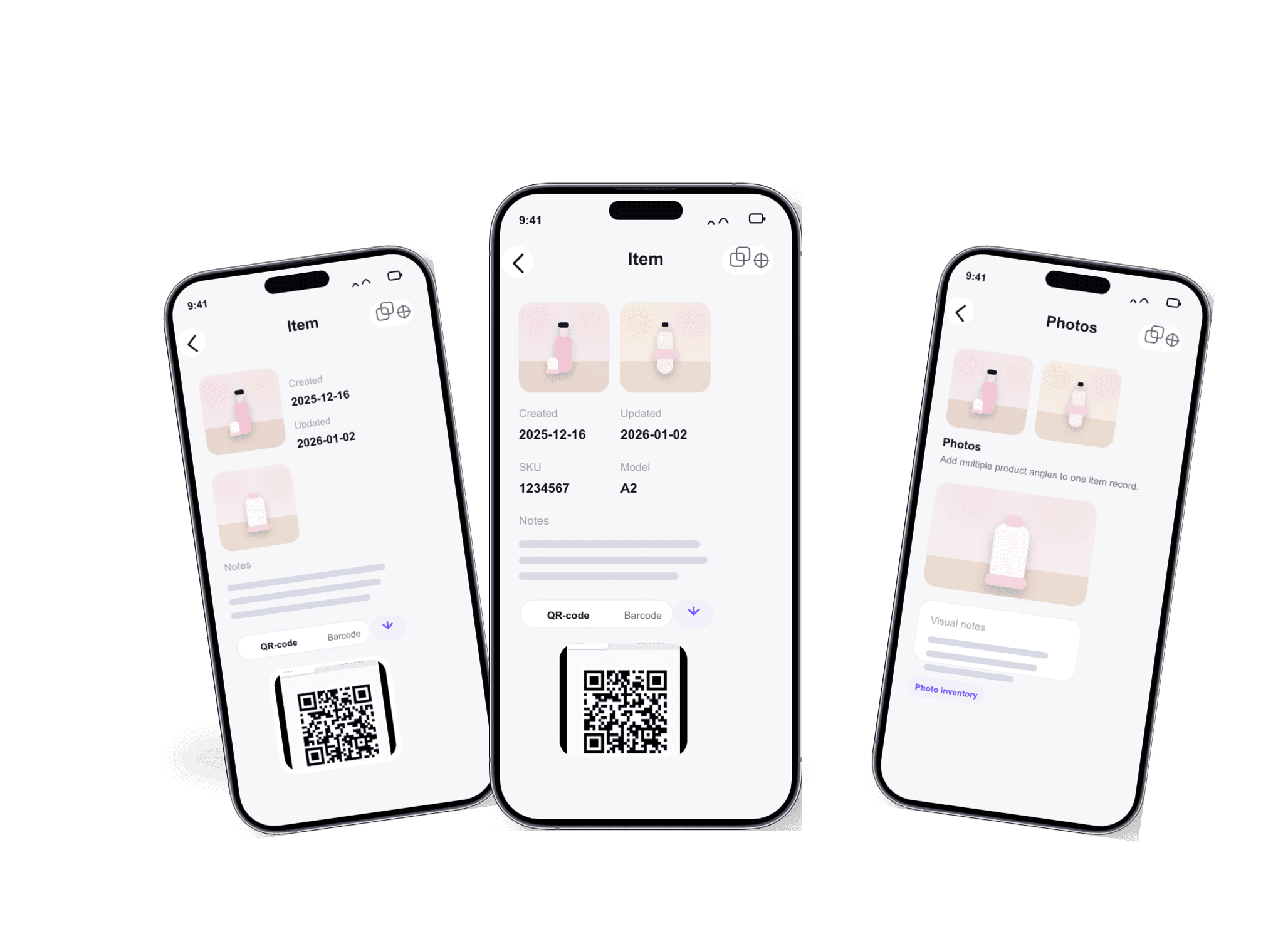
Photos live inside the item record — not in a separate folder, chat thread, or camera roll.
Snap photos directly from iPhone during receiving — they sync to the record instantly.
Every photo is visible on iPhone, iPad, Mac, and web without manual file management.
No per-photo fees or storage limits on paid plans — document as thoroughly as you need.
Pair photos with barcode scanning to identify and document items in one motion. See our barcode inventory system for scan-first workflows.
Need multiple team members to photograph and document stock? Our shared inventory app explains how permissions and real-time sync work across roles.
Managing a home collection, antiques, or personal property? Our home inventory app covers insurance documentation and visual catalogs for personal use.
Want a full overview of catalog, locations, and audit history alongside photos? See our inventory management software hub page.
Yes. On iPhone and iPad you can snap photos directly from the item record using your device camera. The photo attaches to the item immediately — no separate upload step needed.
Each item can hold multiple photos. Teams typically attach a front shot, label close-up, and packaging photo during receiving, then add condition photos over time as needed.
Yes. A photo taken on iPhone during receiving is visible on iPad and Mac within seconds. Everyone on the team sees the same visual record regardless of which device they use.
Absolutely. By photographing items at receiving, you create a timestamped condition baseline. When a warranty claim arises, you compare the original photo to the current state and determine exactly when and where damage occurred.
A shared folder has no connection between a photo and an inventory record. In Sklad, every photo is attached to a specific item alongside its quantity, location, notes, and change history. You never have to guess which item a photo belongs to.
Yes. The free plan includes no photos at all. Photo attachments start on the Starter plan with one image per item, and Business raises that to four.