Warehouse receiving docks
Scan each item off the truck, assign it to a bin, and close the receiving session in minutes instead of hours.
When every interaction starts with a scan, speed and accuracy improve at the same time:
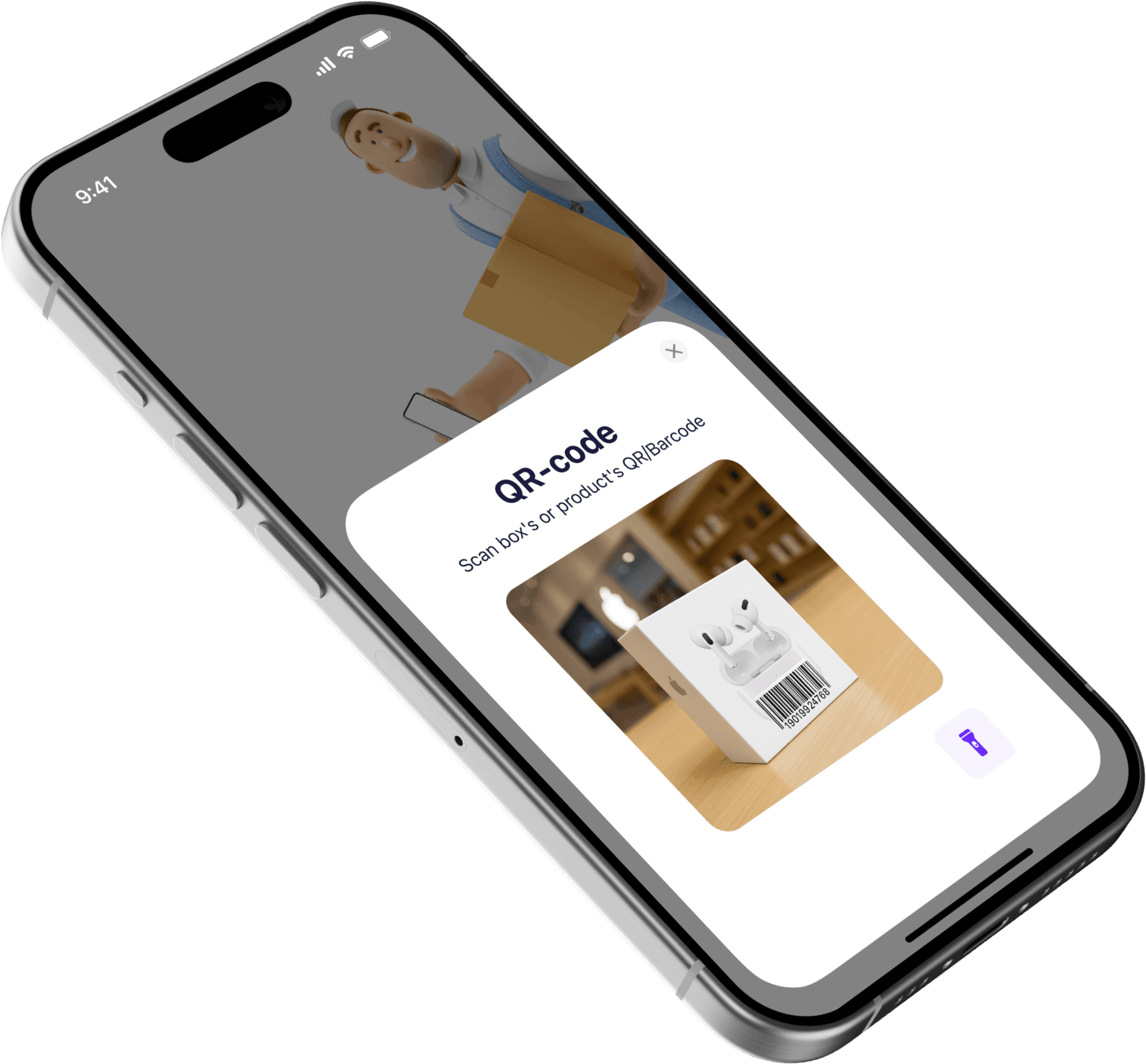
One-second item identification — scan any barcode or QR code and see the full record immediately.
Receiving workflow — scan incoming items, confirm quantity, and assign a storage location in one motion.
Cycle counting — walk the shelf, scan each code, tap to confirm or correct the count.
Automatic transfer logging — every scan-triggered move is timestamped with user attribution.
Zero dedicated hardware — the iPhone or iPad camera replaces a $400 handheld scanner.
Manual data entry creates the same mistakes in every warehouse, stockroom, and studio:
Staff type item names or SKUs by hand and introduce transposition errors every shift.
Receiving takes too long because each item must be matched visually and entered manually.
Cycle counts are so slow that teams postpone them, and discrepancies grow silently.
Finding an item means scrolling through a list — no instant lookup by code.
Move records are incomplete because logging a transfer manually is too much friction.
Scan-first workflows matter most when speed and accuracy collide.
Scan each item off the truck, assign it to a bin, and close the receiving session in minutes instead of hours.
Scan stock as it arrives, verify against the PO, and place it on the correct shelf without handwritten notes.
Scan tools in and out so every checkout and return is logged with timestamp and borrower name.
Scan assets before and after each event to confirm what left the warehouse, what came back, and what is missing.
The difference is not just speed. It is accuracy, traceability, and team morale.
30–60 seconds per item, typing names and SKUs by hand
Under 2 seconds per item — point, scan, confirm
Typos, transposition, and wrong-item entries every shift
The barcode value is exact — no human interpretation needed
So slow that teams skip them or do them quarterly
Fast enough to count weekly or even daily
Scroll through a list, search by name, hope for a match
Scan the code and see the record in under a second
No one bothers logging transfers manually
Every scan-triggered move is logged automatically
Dedicated handheld scanners at $300–$800 each
Your team's existing iPhones and iPads
Sklad turns the phone your team already carries into a full-featured barcode scanner — no extra hardware or training required.
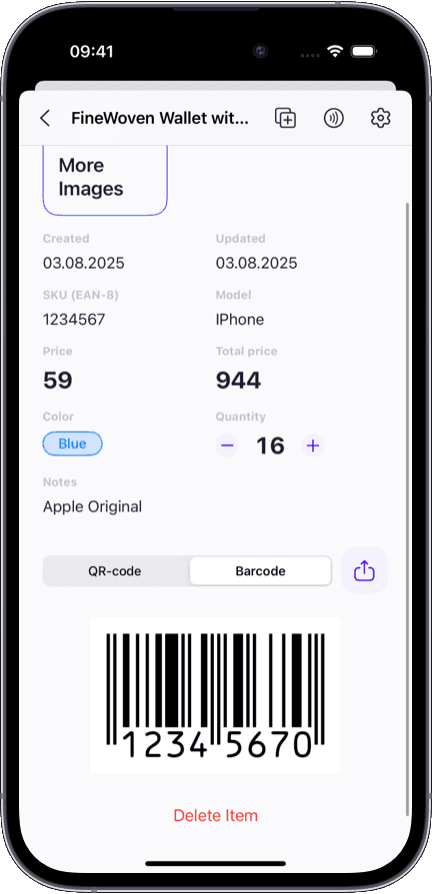
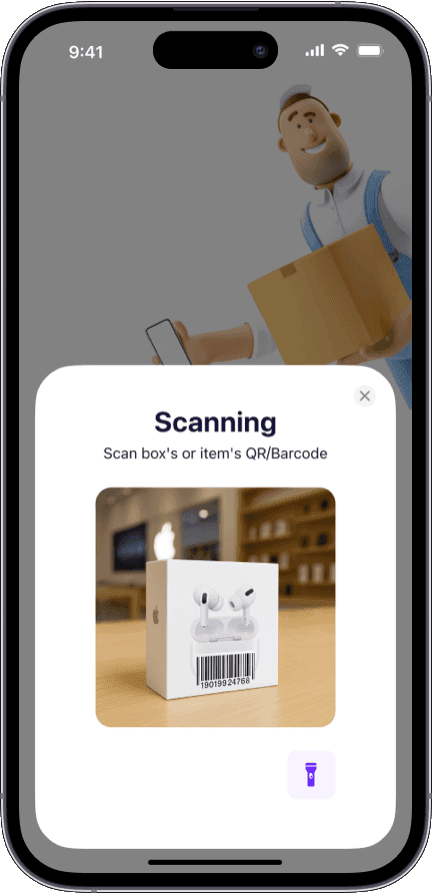
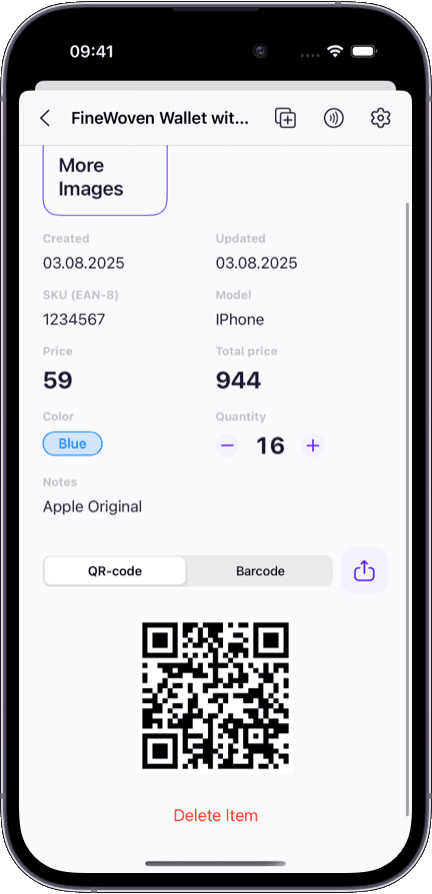
No hardware purchase — the iPhone camera handles barcodes and QR codes natively.
Each scan is logged with timestamp, user, and action — building an audit trail automatically.
Works with existing barcodes already on your products — no relabeling needed.
New team members scan and go on day one — the interface teaches itself.
Need to manage stock across multiple warehouses with barcode scanning at each location? See our multi-warehouse inventory software guide.
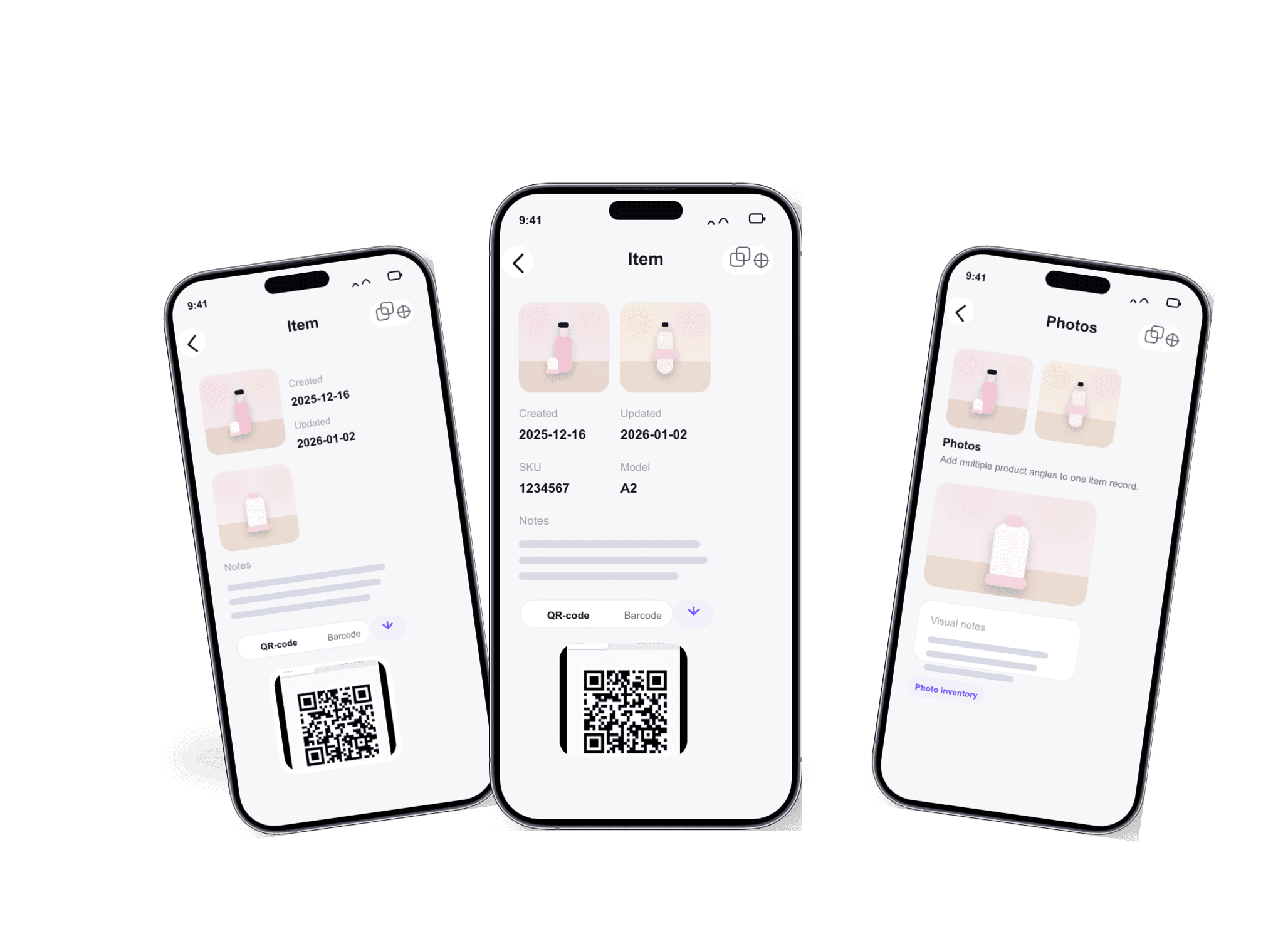
Want to attach photos alongside barcodes for visual confirmation during receiving? Learn how our inventory app with photos pairs pictures with scan data.
Running barcode workflows on the warehouse floor? Our iOS inventory app is built for one-handed scanning during receiving and counts.
Looking for a way to track every item move and quantity change? Our inventory tracking software shows the full movement trail.
No. Sklad uses your iPhone or iPad camera to scan barcodes and QR codes. No dedicated hardware purchase is needed. If you already own handheld scanners, they work too — but they are not required.
Sklad recognizes all common 1D barcodes (UPC, EAN, Code 128, Code 39) and 2D codes (QR codes). If a barcode is printed on the product, Sklad can read it.
Yes. Sklad scans the existing barcodes on your products and packaging. You do not need to print new labels unless you want to add codes to items that do not already have them.
Instead of typing item names and SKUs by hand, you scan each item off the truck. Sklad identifies the item, lets you confirm the quantity, and assigns it to a storage location — all in one motion. A typical receiving session drops from minutes per item to seconds.
Yes. Each team member scans from their own device, and all updates sync in real time. Two people can receive stock at the same dock, and both sessions feed into the same live inventory.
Inventory tracking software focuses on visibility — where items are and how they moved. A barcode inventory system focuses on the input method — how you identify and interact with items. Sklad does both: barcode scanning is the input, and real-time tracking is the output.
Scanning requires a network connection to look up and update item records in real time. This ensures every team member sees the same data the moment a scan happens.