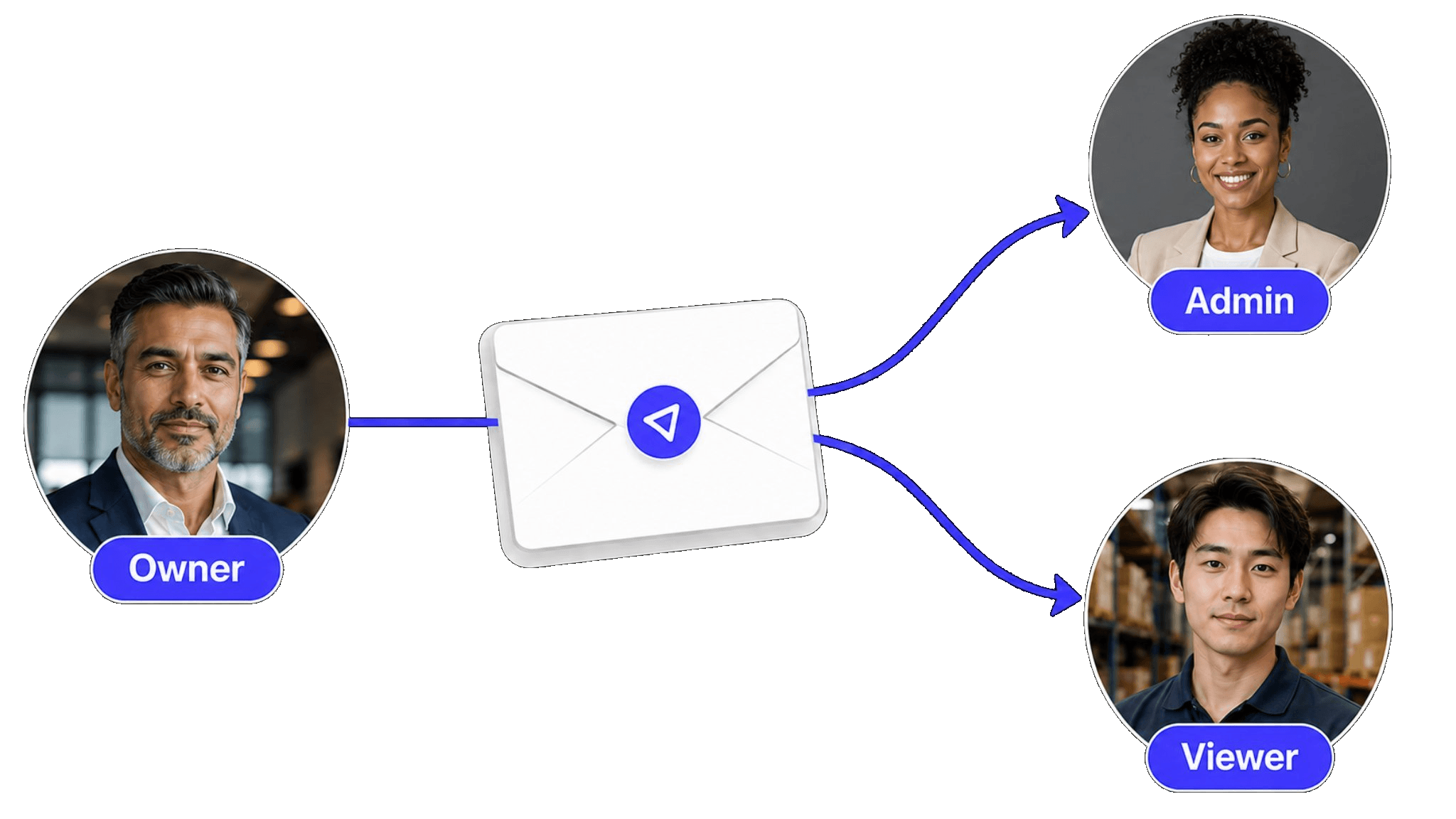
Warehouse teams with shift workers
Day shift and night shift both update stock. Permissions ensure each shift's changes are attributed and traceable.
When access is structured, collaboration becomes safe and traceable:
Three clear roles — Viewer (read-only), Editor (update stock), Manager (control settings and members).
Every edit is logged with the user's name, timestamp, and exactly what changed.
Real-time sync means warehouse staff on iPhone and office managers on Mac see the same live data.
Invite and revoke team members instantly — no migration, no file duplication.
Audit trail answers 'who changed this?' in seconds, not hours of forensic spreadsheet review.
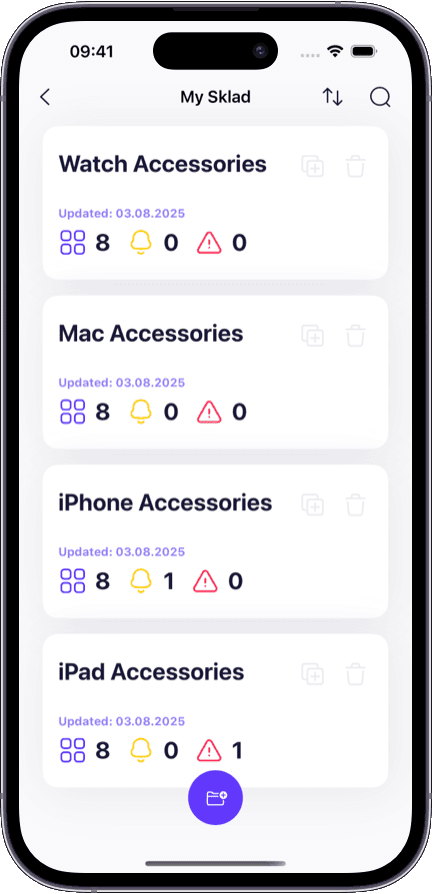
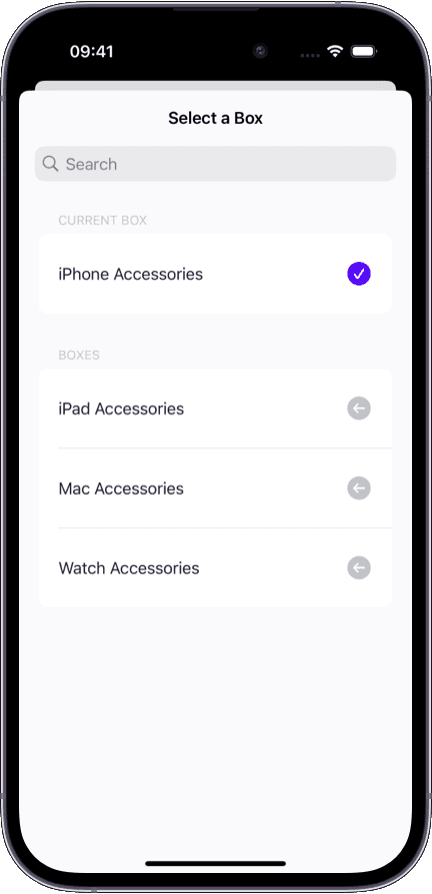
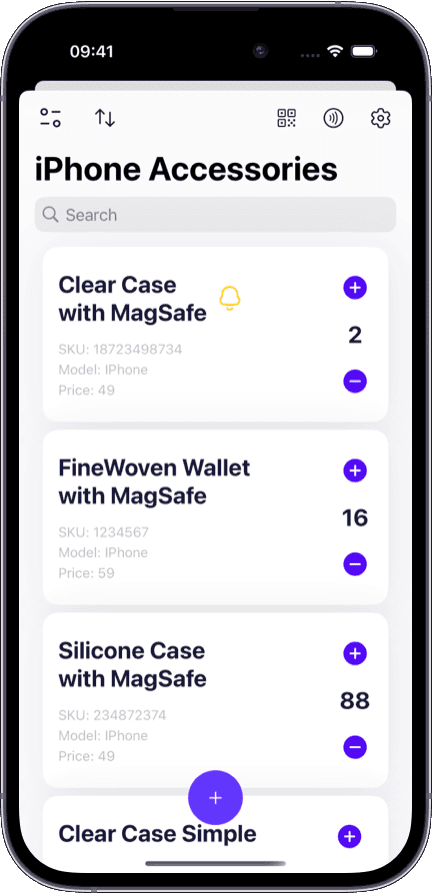
Shared spreadsheets give everyone equal power. That is the problem:
Anyone can overwrite a quantity and no one knows who did it or when.
A new hire accidentally deletes rows and the team discovers it days later.
Version conflicts multiply when two people edit the same file simultaneously.
There is no way to give a supplier or auditor read-only access without sharing the entire editable file.
When someone leaves, their access persists in the shared drive with no revocation path.
Permissions matter whenever more than one person touches inventory data.
Day shift and night shift both update stock. Permissions ensure each shift's changes are attributed and traceable.
Field staff edit from mobile. Managers review and approve from desktop. No one sees more than their role requires.
Give auditors or accountants viewer access to inventory records without risking accidental edits.
Start new hires with viewer access, promote to editor after training — all without creating a new account.
Both let multiple people see data. Only one lets you control what each person can do.
Everyone can edit everything or see nothing
Viewer, Editor, and Manager roles per member
Cell history exists but is buried and unreliable
Timestamped audit log with user attribution for every action
Two people editing the same row creates merge conflicts
Real-time sync prevents conflicts — everyone sees the same live state
Revoking access means unsharing the entire file
Remove one member in a tap — their history stays, their access stops
New hires get full edit access immediately or a separate copy
Start with viewer access, promote to editor when ready
Collaboration does not mean everyone should have the same power. Sklad gives each team member exactly the access level they need.

Invite teammates with a link — they join the workspace in seconds with the role you assign.
The audit trail is automatic. You do not need to set it up or remember to check it.
Works across iPhone, iPad, and Mac — permissions are enforced on every device.
Team members start on the Starter plan — the free plan is single-user, so you prove the workflow yourself before paying.
Managing shared inventory across multiple locations? Our multi-warehouse inventory software explains how teams organize stock across warehouses with the same permission structure.
Want to pair barcode scanning with shared team access? See our barcode inventory system for scan-first workflows that log every action to the shared audit trail.
Need visibility into every item move and quantity change? Our inventory tracking software shows how the movement trail works alongside permissions.
Running a small team and want to start simple? Our simple inventory app covers how to get started with shared access in under five minutes.
Each workspace supports three roles: Viewer (read-only access), Editor (can add, edit, and move items), and Manager (full control including settings and member management). You assign the role when inviting a team member.
Yes. Managers can promote a Viewer to Editor or demote an Editor to Viewer at any time. The change takes effect immediately across all devices.
Every action in a shared workspace — adding an item, changing a quantity, moving stock, inviting a member — is recorded with the user's name, a timestamp, and a description of what changed. The trail is automatic and cannot be turned off.
Their access stops immediately, but all changes they made remain in the audit trail. You do not lose any data or history when someone leaves the team.
Yes. Sklad uses real-time sync, so two editors can work simultaneously on different items without version conflicts. Both see each other's changes as they happen.
Inventory management software is the full system — catalog, locations, scanning, and reporting. Shared inventory specifically refers to the collaboration layer: permissions, roles, and change accountability. Sklad includes both in one app.
No. The free plan is single-user and includes no team members. Shared access with role-based permissions starts on the Starter plan, and Business raises the member limit.