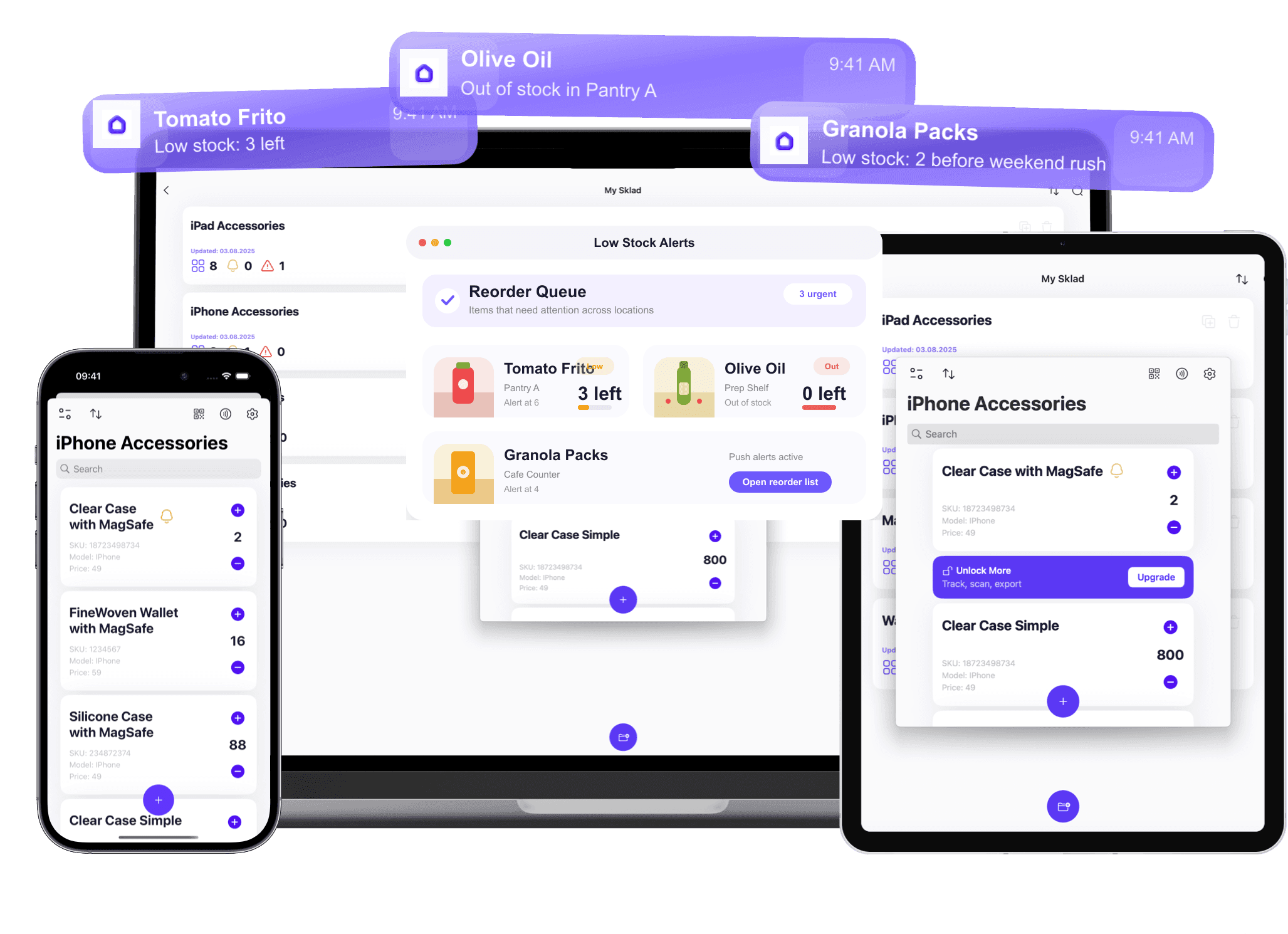
What changes when the screen gets bigger
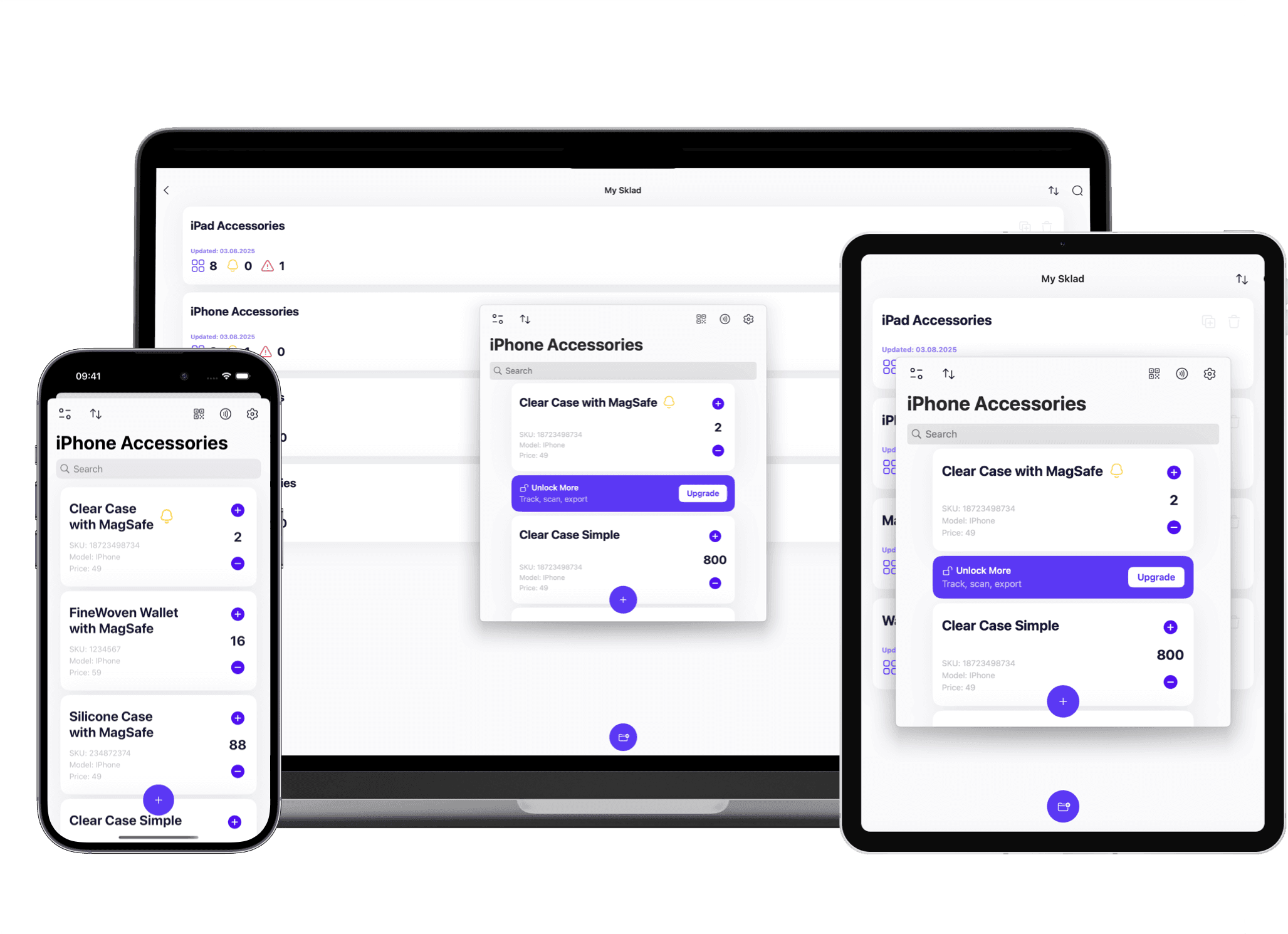
Sklad on iPad is the same catalog as the phone in your pocket, with room to work. That difference decides which jobs belong on which device.
More rows before you scroll — a shelf, a box, or a whole storage location fits on one screen, so checking a count stops being a scrolling exercise.
A full-size viewfinder for scanning — the camera preview is large enough to line up a barcode at arm's length instead of at reading distance.
Photos you can actually judge — condition shots open big enough to see the damage you took them for, without opening the item on a laptop.
A device that stays put — the iPad lives on the receiving desk or the counting cart while phones move with the people, and both see the same stock.
Typing when typing is faster — item names, notes and quantities go in from a keyboard case at a bench, and land in the same records the phones update.
Why teams run Sklad on the stockroom iPad
The case for the iPad is not a different feature set. It is the same shared catalog on the one device in the room that everybody can read.
Every change syncs live across iPhone, iPad, Mac and the web, so a count entered on the iPad is on the floor manager's phone before they reach the aisle.
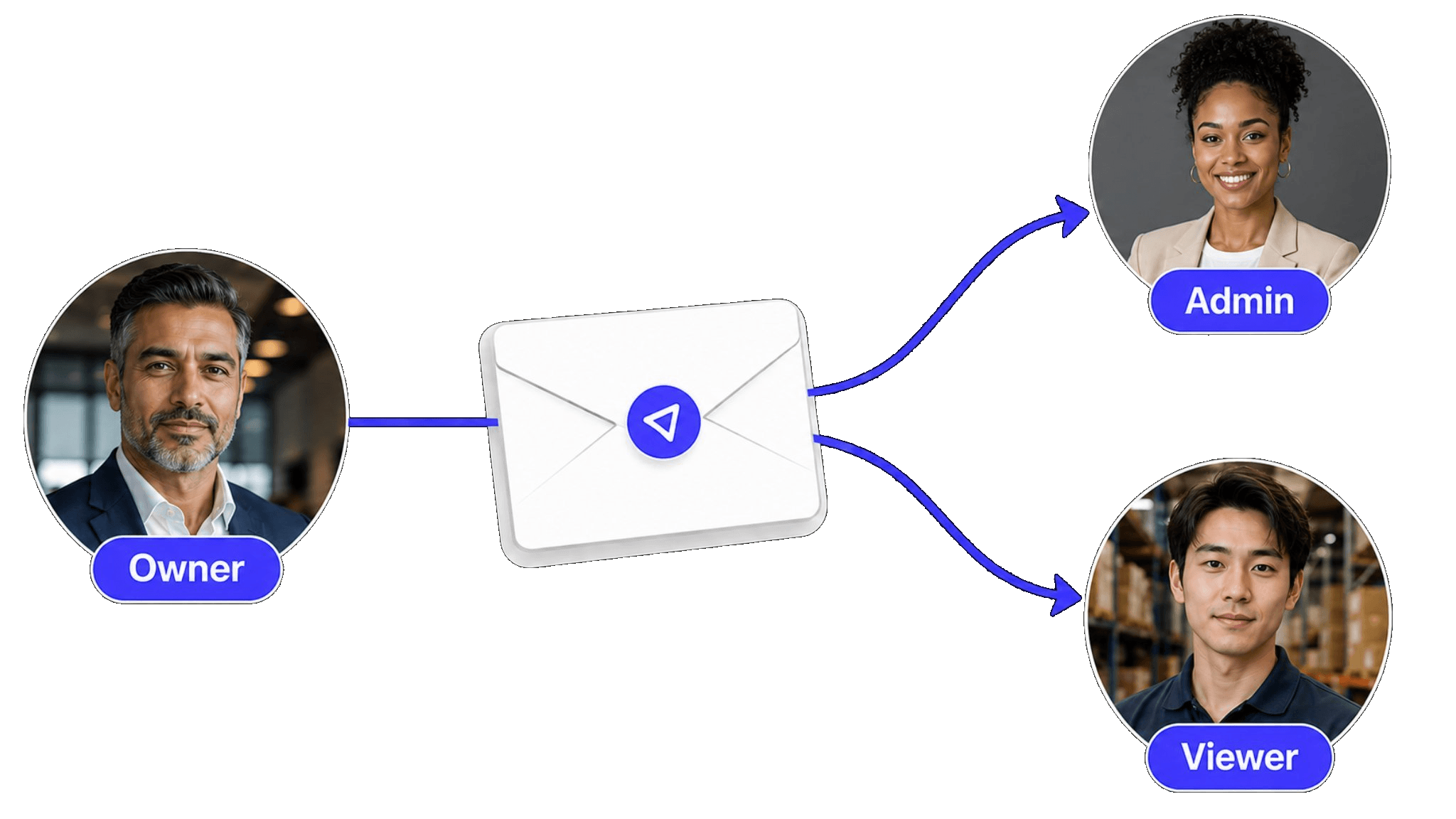
One shared workspace with per-member permissions means the counter at the bench and the buyer at a desk are looking at the same numbers.
Timestamped history on every item makes a disputed count answerable — who changed it, when, and what it was before.
Low-stock alerts and multi-location storage work the same on the tablet as everywhere else; nothing is a phone-only or desktop-only feature.
Related guides
Explore related topics to find the right approach for your inventory workflow.
Catalog your belongings with photos, locations, and notes. Find anything instantly when you need it for insurance, a move, or just peace of mind.
Track every item, location, and quantity change in one place. Scan barcodes, set permissions, import catalogs, and keep a full audit history across your team.
iPhone and iPad jobs that only make sense on a mobile device: barcode scanning at the receiving dock, cycle counting while walking the floor, condition photos taken in the moment, and quick stock lookups from anywhere.