Locations
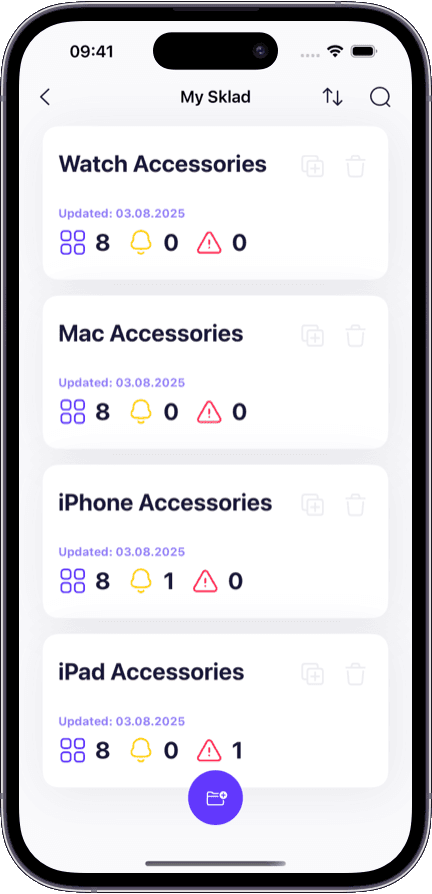
Multi-warehouse inventory management Run several warehouses, stockrooms, stores, or fulfillment points inside one shared account while keeping each location clearly organized.
Create separate storages for each warehouse, backroom, retail floor, or team.
Track quantities by storage, box, and item so counts stay location-specific.
Move inventory between locations with a clear history of transfers and updates.
Keep every warehouse aligned from one system instead of merging spreadsheets.
Explore multi-warehouse inventory Organization
Structured product catalog and location hierarchy Organize stock in a way that matches real storage operations, with clear relationships between storages, boxes, and items.
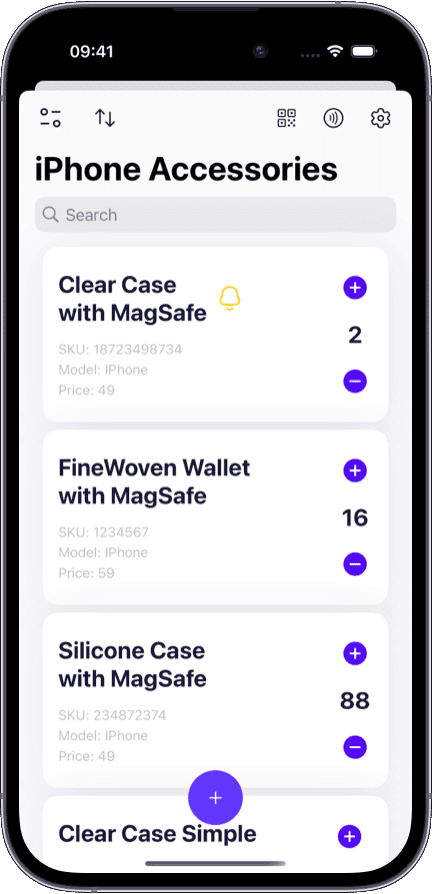
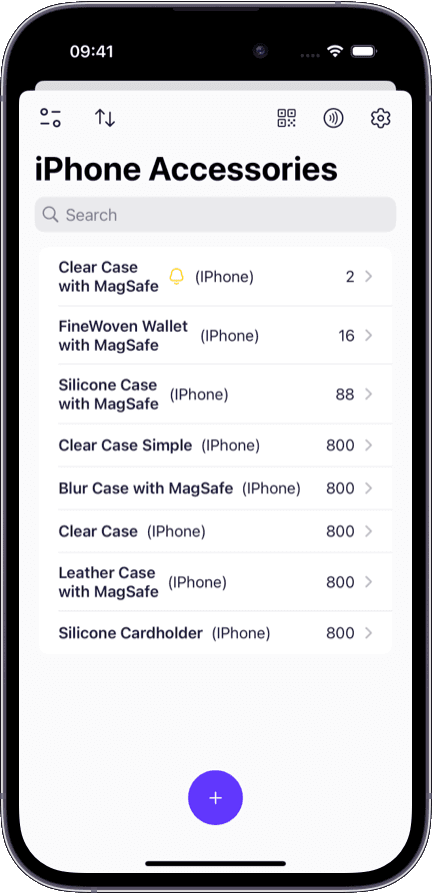
Keep products, supplies, assets, and kits in one searchable catalog.
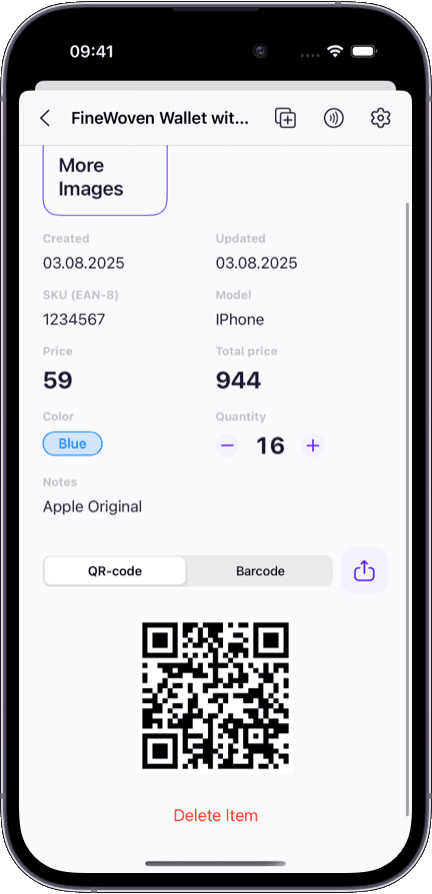
Store SKU, barcode type, price, notes, and condition with each item record.
Search by item name, SKU, or location when operations need quick answers.
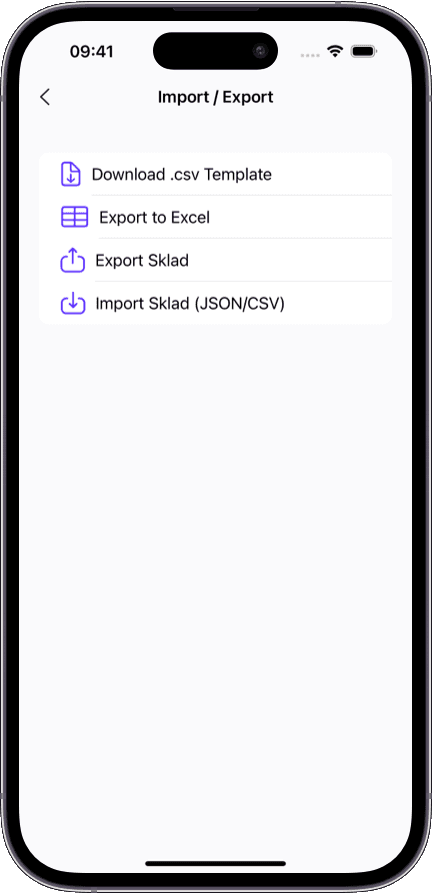
Import existing inventory from spreadsheets instead of rebuilding everything manually.
Visual records
Photos, notes, and item detail capture Build richer item records with images and context so teams can verify inventory faster and make fewer mistakes.
Attach multiple photos to show condition, packaging, or identifying details.
Keep notes alongside images for audits, claims, and receiving checks.
Reduce picking and counting mistakes with visual confirmation.
Document inventory history more clearly for returns, repairs, or warranty workflows.
Explore photo inventory Collaboration
Team access and permission control Share inventory with coworkers without losing control over who can view, edit, or manage each location.
Invite account members by email and manage shared access centrally.
Assign storage-level roles so each person gets the right scope of control.
Keep live inventory updates synced across mobile and desktop workflows.
Update or revoke access without splitting data across separate tools.
Replenishment
Low-stock alerts and proactive visibility Spot inventory risk earlier so your team can reorder, rebalance stock, and avoid preventable stockouts.
Configure warning and danger thresholds for the items that matter most.
See low-stock risk before a shortage turns into a rushed purchase.
Review inventory health with location context instead of isolated quantity numbers.
Use earlier signals to rebalance stock across warehouses and stores.
Explore low-stock alerts Accountability
Activity history and change tracking Review who changed what and when so audits, handoffs, and investigations take less time.
Track item edits, quantity changes, exports, and related inventory actions.
Use activity history to understand how counts changed across locations.
Give managers cleaner visibility during audits and operational reviews.
Reduce confusion when multiple people work in the same inventory workspace.
Reporting
Analytics, import, and export workflows Keep inventory planning tied to current stock data with flexible imports, exports, and dashboard visibility.
Import data from spreadsheet-based workflows when moving into Sklad.
Export inventory for reports, backups, finance reviews, or migrations.
Review key inventory metrics and summaries from the dashboard.
Support planning decisions with cleaner data and fewer manual reconciliations.
Sharing
Storefront links for external visibility Share available inventory without giving customers or partners direct access to your internal workspace.
Devices
iPhone, iPad, Mac, and web access Use the right device for each part of the workflow, from fast mobile scanning to desktop review and reporting.
Scan and update inventory from iPhone or iPad while moving through storage.
Review larger item lists and workspace summaries from Mac or web.
Keep changes synced so every device reflects current stock levels.
Support warehouse, retail, and office workflows from one connected system.