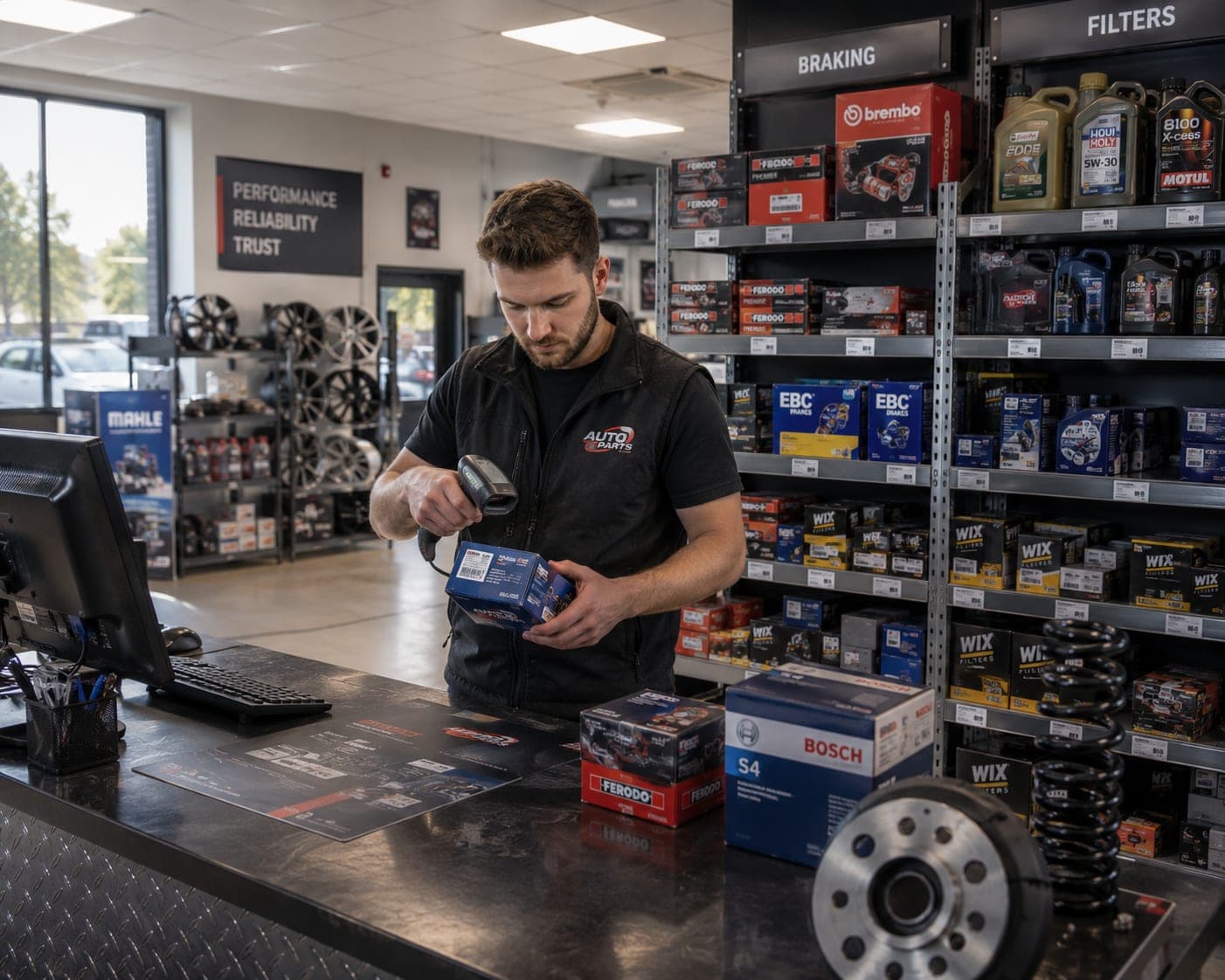
Auto parts retailers
Find counter and warehouse stock fast by location.
A busy parts counter or service bay loses time and sales when:
A part is in stock but no one can remember which shelf or bin.
Fitments and cross-references live in a catalog, not your records.
Common consumables run out mid-job with no warning.
Counts on the shelf never match the back-office record.
Parts on the van or at a second location go untracked.
With Sklad your shop can:
Track parts, fluids, and consumables by shelf, bin, and bay.
Find a part in seconds by name, number, or location.
Scan barcodes to receive deliveries and count fast.
Set low-stock alerts on common fitments and consumables.
Keep one shared count across the shop, stockroom, and van.
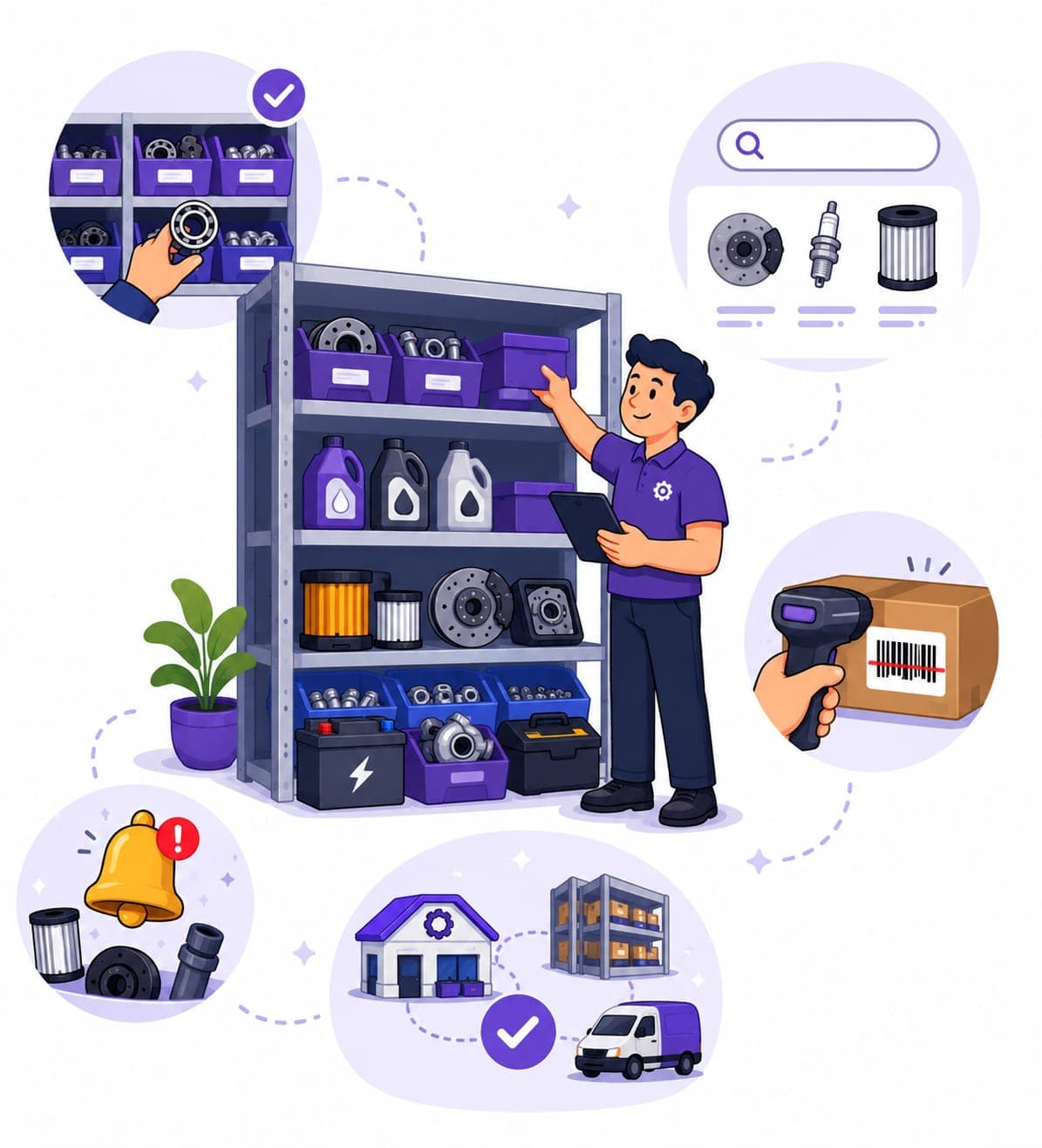
Find counter and warehouse stock fast by location.
Track parts and consumables across bays and the van.
Keep sizes and SKUs organized with accurate counts.
Manage parts and supplies across departments and sites.
Search and hope
Shelf and bin on every item
In a separate catalog
Cross-reference notes attached
Typed in by hand
Scanned at the shelf
Run out mid-job
Low-stock alerts on fitments
Shop only
Shop, stockroom, and van
Receive and find parts fast with your phone camera.
Organize stock by shelf, bin, bay, and the service van.
Never run out of common fitments and consumables.
Add photos and notes for fitments and cross-references.
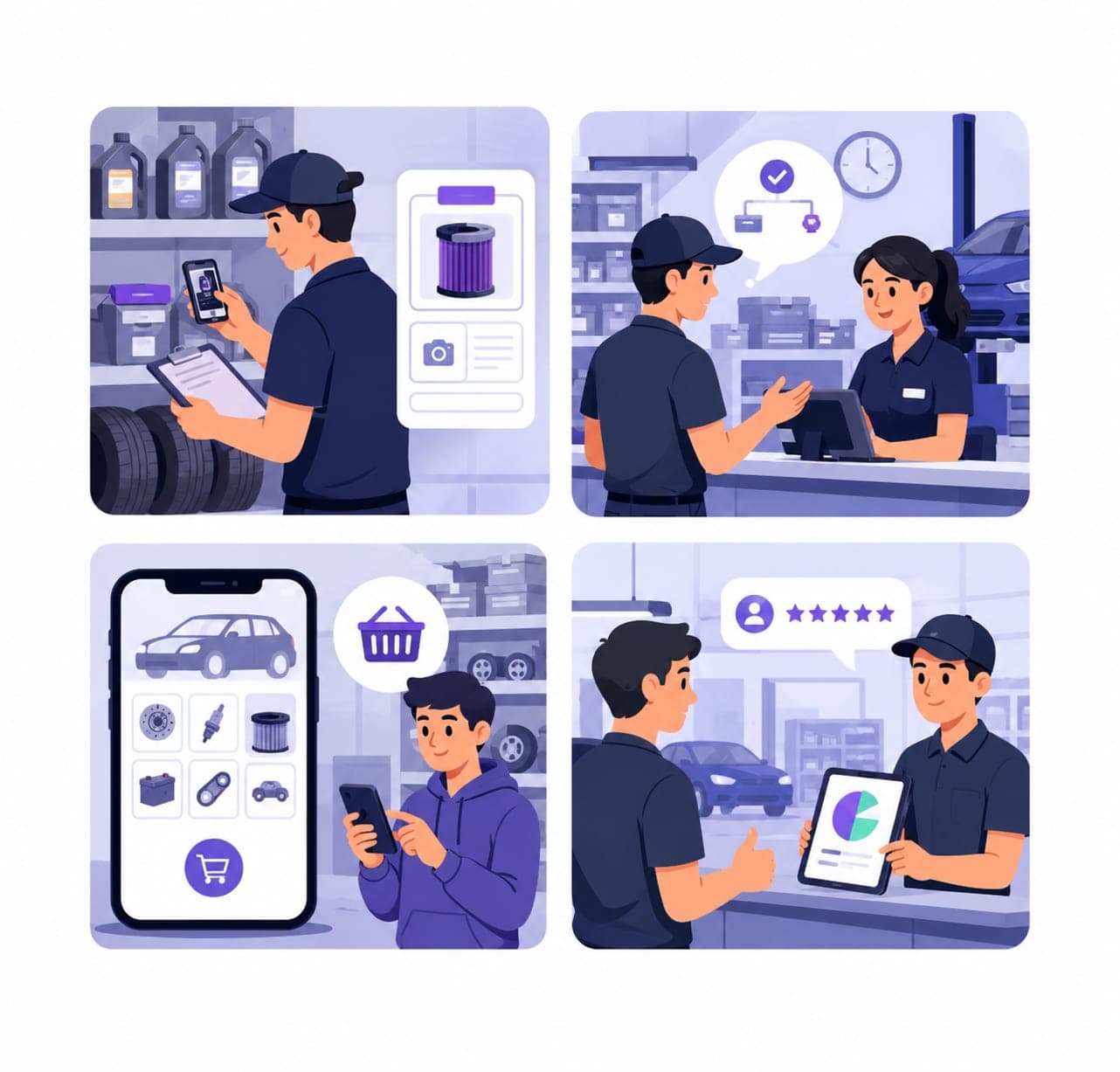
Photos and notes for cross-references and fitments.
Built for busy counters and bays, not heavy ERPs.
Use it on your phone in the bay or at the shelf.
Share one accurate count with the counter and techs.
Yes. Record a shelf, bin, bay, or van location on every item and create a separate box per area, so anyone can find a part in seconds instead of searching.
Add fitment details, cross-reference numbers, and notes to each part record, along with photos, so the right part is easy to identify and confirm.
Scan existing part barcodes with your phone to receive, count, and locate stock, and generate barcode or QR labels for parts that do not have one.
Set low-stock thresholds on common fitments and consumables, and Sklad flags them so you can reorder before a job is held up.
Yes. You can start free and track parts, record locations, and scan barcodes from your phone or desktop before choosing a paid plan.