Receiving staff at the dock
Scan incoming items off the truck, confirm quantities, attach photos, and assign to storage — all from iPhone without a clipboard.
Scan on the Dock.Count on the Floor.Snap Photos on the Spot.
iPhone and iPad jobs that only make sense on a mobile device: barcode scanning at the receiving dock, cycle counting while walking the floor, condition photos taken in the moment, and quick stock lookups from anywhere.
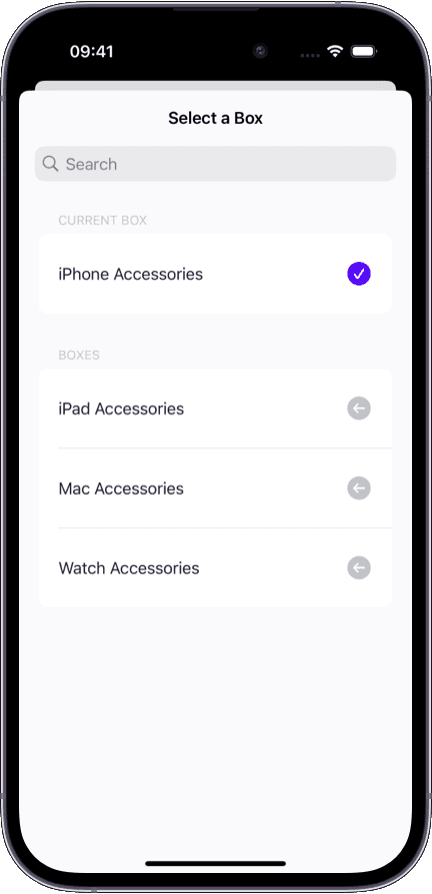
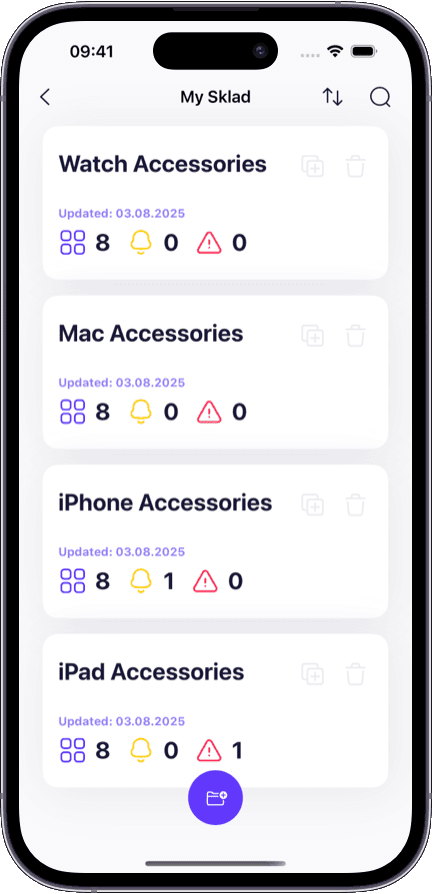
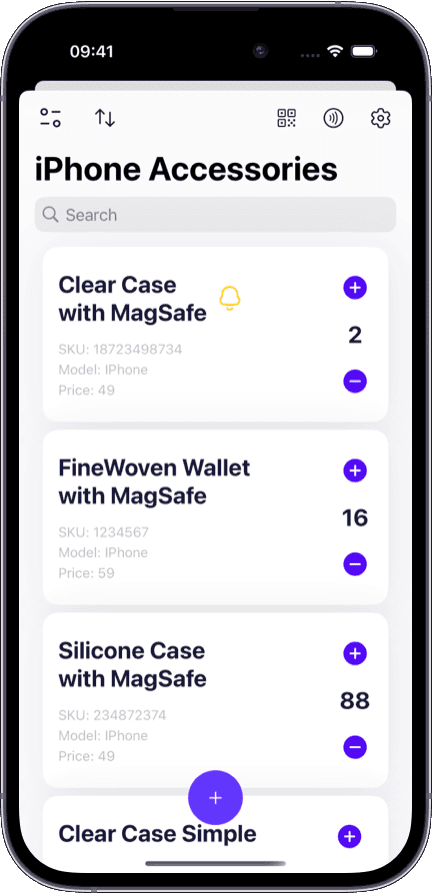
When the app is built for the phone — not shrunk from the desktop — every floor job gets faster:
Camera-native scanning — point your iPhone at any barcode and the item record appears in under a second.
Inline photo capture — snap a condition photo and it attaches directly to the item record, timestamped and synced.
Walk-and-count — scan each shelf position, confirm or adjust the count without returning to a desk.
One-handed design — large tap targets, swipe actions, and minimal typing for gloved or single-hand operation.
Instant sync — every scan, count, and photo lands in the shared workspace in real time over cellular or Wi-Fi.
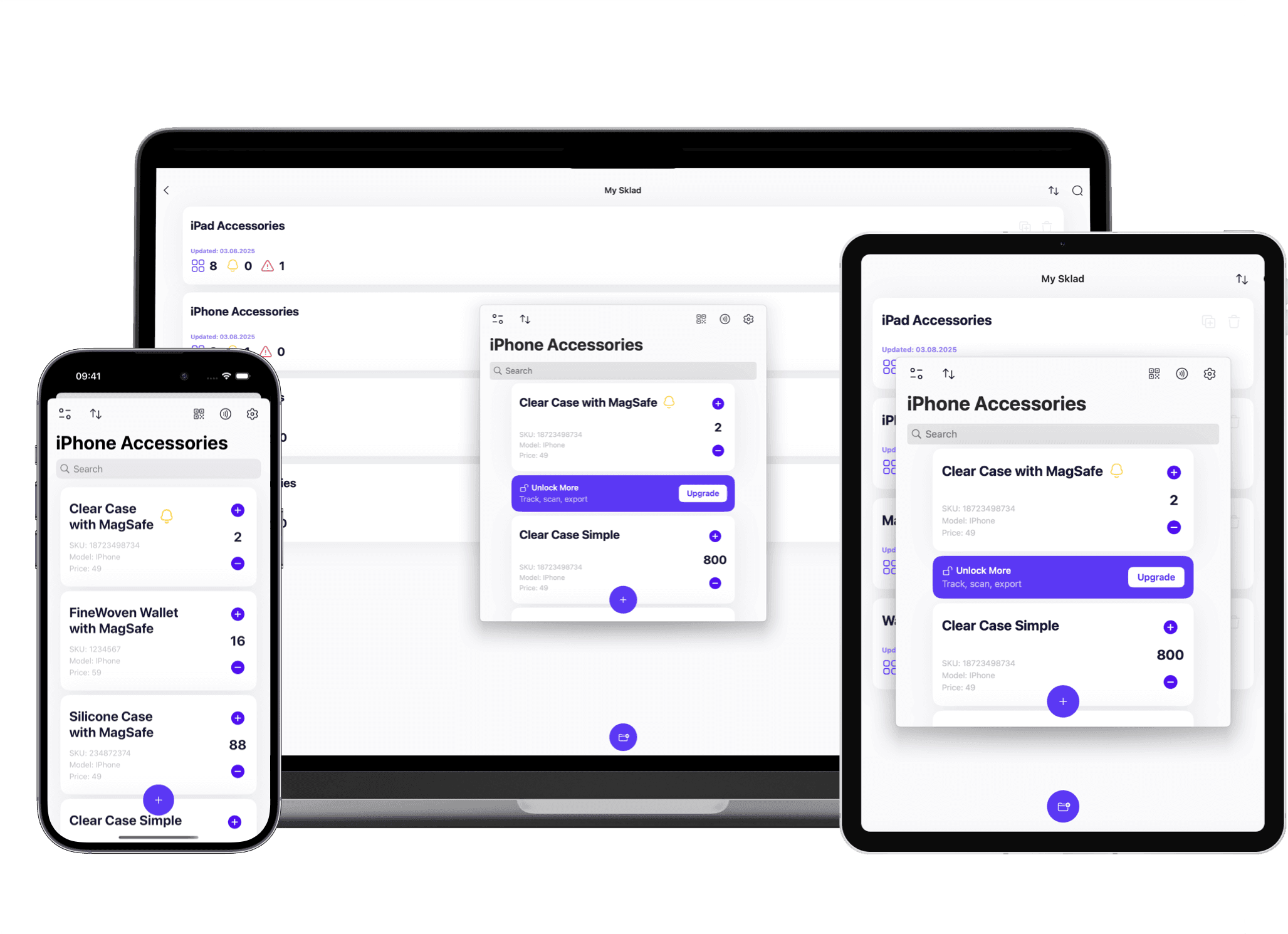
Most inventory apps treat mobile as a miniature desktop. It does not work:
Staff carry a phone and a clipboard because the app is too clumsy for one-handed barcode scanning.
Photos taken during receiving end up in the camera roll, disconnected from the inventory record.
Cycle counting requires scrolling through lists instead of scan-and-confirm while walking the shelf.
Data entered on the floor does not sync until you return to Wi-Fi, creating version conflicts.
The interface assumes you are sitting at a desk, not standing at a dock with gloves on.
Different roles carry iOS devices for different reasons. Here is what each one does.
Scan incoming items off the truck, confirm quantities, attach photos, and assign to storage — all from iPhone without a clipboard.
Walk the aisle with iPhone or iPad, scan each shelf position, and tap to confirm or correct the count in real time.
Snap photos of damage, label issues, or packaging changes directly inside the item record from iPad during inspections.
Scan any barcode from the aisle to pull up quantity, location, photos, and full change history without walking to a computer.
Both run the same app. But the jobs are different because the form factor is different.
One-handed scanning, quick lookups, and condition photos on the go
Multi-item audits, side-by-side review, and larger data entry sessions
In your pocket or on a belt clip — always within reach on the floor
On a cart or workbench for extended counting or inspection sessions
Point and scan one item at a time during receiving or picking
Scan and review in batch mode during full shelf audits
Quick condition snaps while walking — fast, single-shot documentation
Detailed multi-angle documentation during QA inspections
Warehouse floor staff, drivers, receiving dock workers
QA inspectors, shift supervisors, audit teams
You do not have to choose. Many teams use iPhone for floor speed and iPad for desk-adjacent depth — both sync to the same workspace.
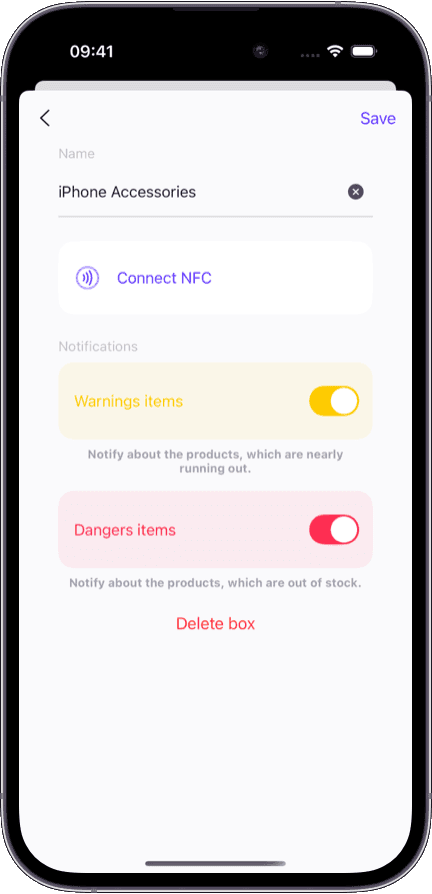
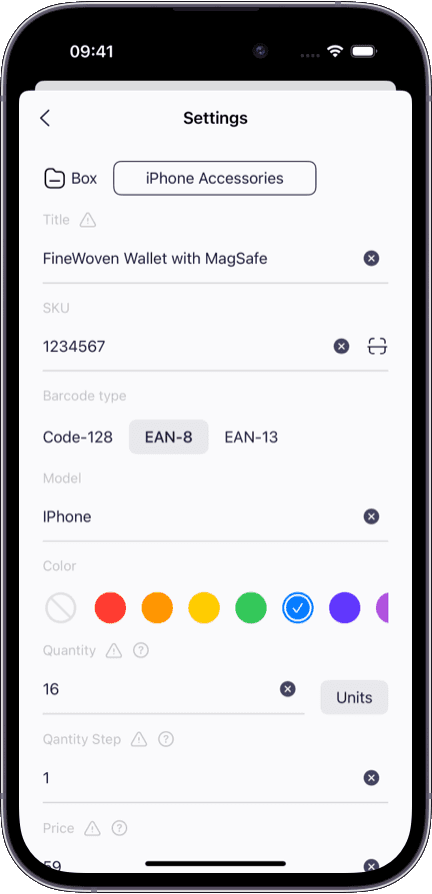
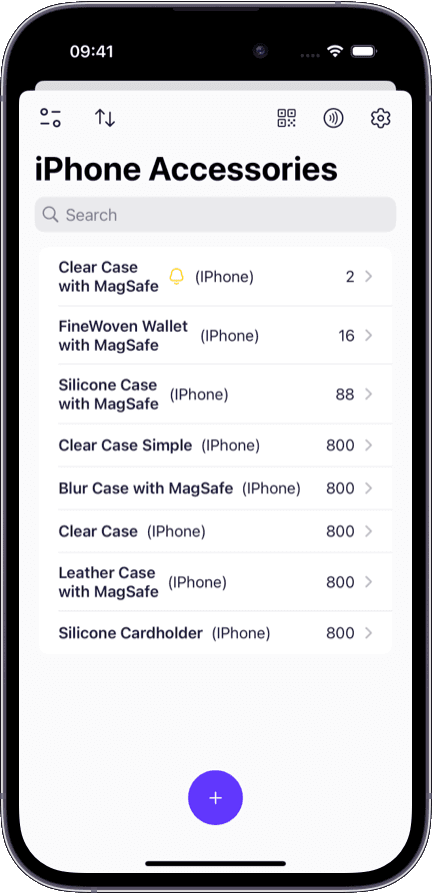
Native iOS app — not a web wrapper. Camera access, haptic feedback, and system gestures work as expected.
One account covers iPhone, iPad, and Mac. Your floor data and your desktop data are always the same.
No per-device license. Every team member downloads the app and logs in with their shared workspace credentials.
Free plan includes barcode and QR scanning, boxes, and sync across your devices; photos and team access start on paid plans.
Need to review and analyze the data your floor team captures on iOS? See how the Mac and web inventory app handles desktop-side oversight and reporting.
Using iOS for barcode scanning? Our barcode inventory system dives deeper into scan-first receiving, counting, and lookup workflows.
Want to pair mobile photos with inventory records? Our inventory app with photos explains how condition proof and warranty documentation work.
Managing a team with different access levels? Our shared inventory app covers how permissions work across devices.
Sklad for iOS is a native app built for iPhone and iPad. It uses the device camera for barcode scanning, supports haptic feedback, and integrates with iOS system gestures. It is not a web page in a wrapper.
Yes. The app uses the iPhone's built-in camera to scan barcodes and QR codes. No dedicated scanning hardware is needed. Point the camera at the barcode and the item record appears instantly.
Yes. The same app runs on iPhone and iPad with interfaces optimized for each device's screen size. iPhone is optimized for one-handed floor work, and iPad provides more screen space for audits and reviews.
No. One account works across all Apple devices. A team member can scan on iPhone at the dock and later review the same data on iPad or Mac — no extra license needed.
Updates sync in real time. A barcode scan on iPhone at the receiving dock appears in the shared workspace on Mac within seconds. There is no manual sync button — it happens automatically.
Sklad supports current and recent iOS versions. Check the App Store listing for the exact minimum version. The app is regularly updated to support the latest iOS releases.
Yes. You can take photos directly inside the item record using the iPhone or iPad camera. The photo attaches instantly to the item with a timestamp and syncs to all other devices.