How to check the activity history in Sklad
The activity log shows who changed what, and when, in a storage. Each item and box also has its own history at the foot of its page.
Do this
- In the sidebar, open Activity logs.
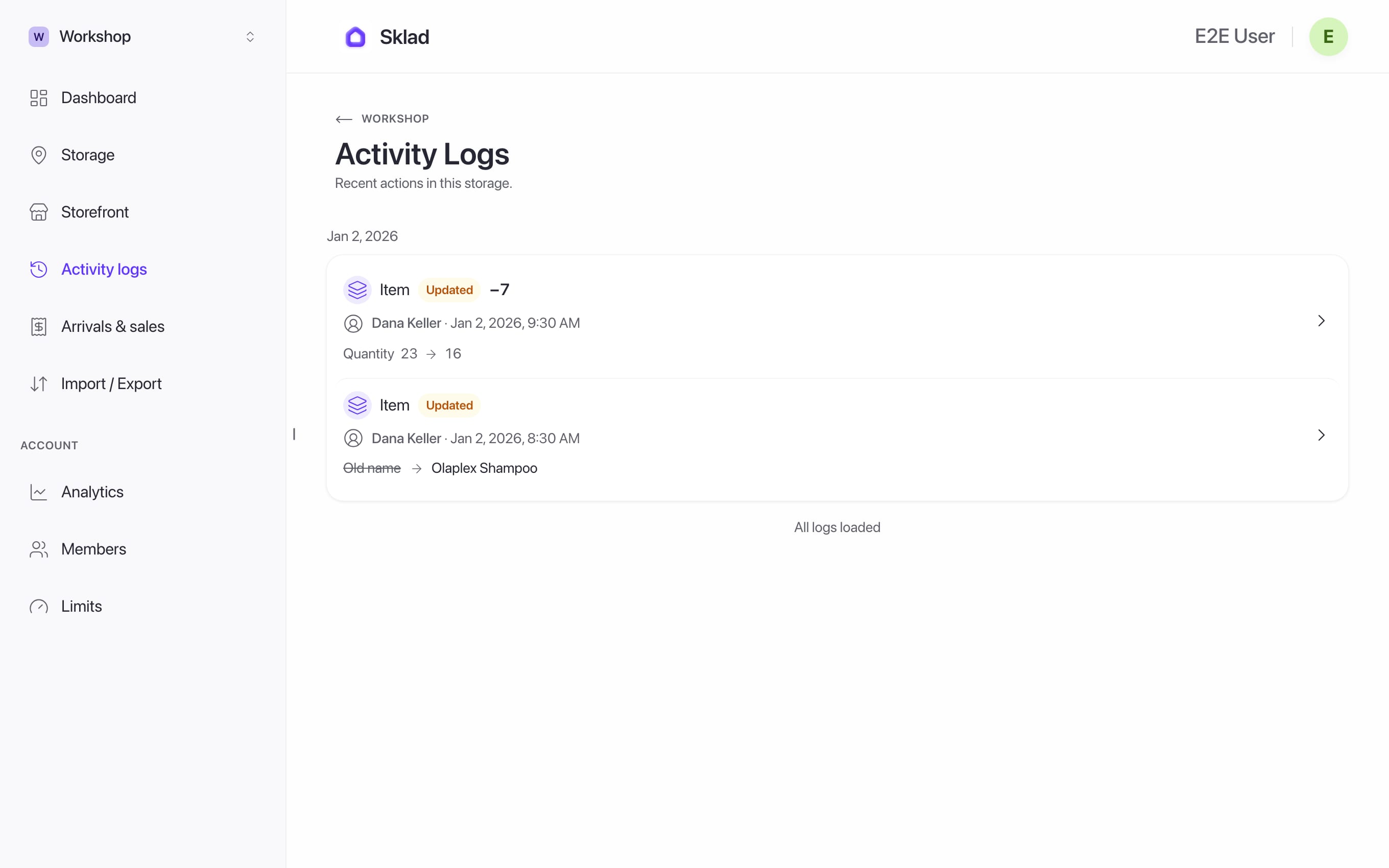
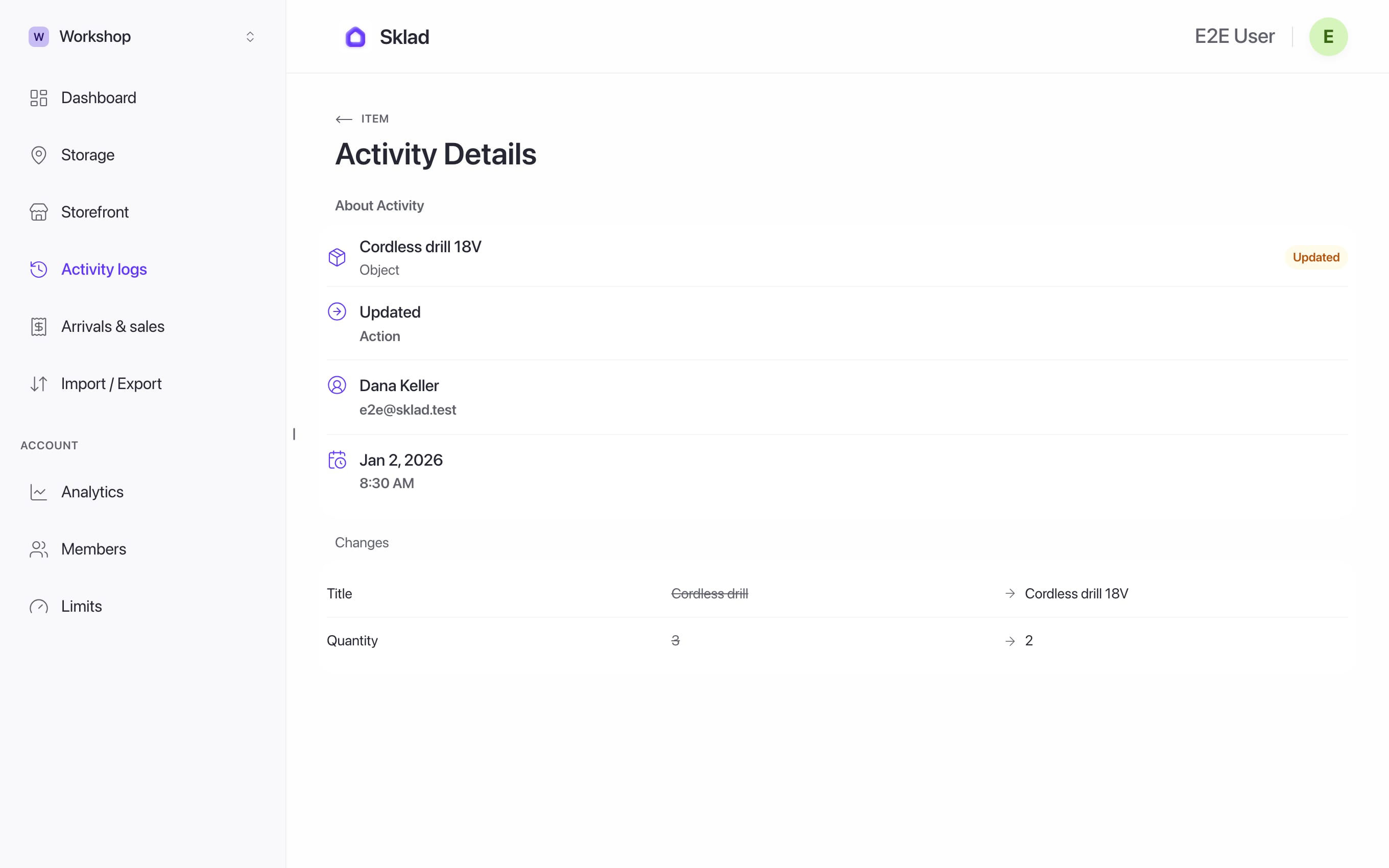
- Click an entry to see what changed, before and after.
- On an item or a box, scroll to History for that one thing.
Next
- Shared Inventory App — Permissions, Roles & Accountability
- How to invite members and set roles in SkladInvite people to your account, then choose which storages each one can see.
- How to add items with photos and notes in SkladAn item is one thing you keep track of: its name, how many you have, and where it is.
- How to choose and change your Sklad planSklad has three plans: Free, Starter and Business.