How to set up storages and boxes in Sklad
A storage is one place you keep things, like a stockroom, a garage or a shop. Inside it, boxes hold your items, so you can find each one by where it sits.
Do this
- In the sidebar, click Create a storage. Name it, pick a colour, and click Save storage.
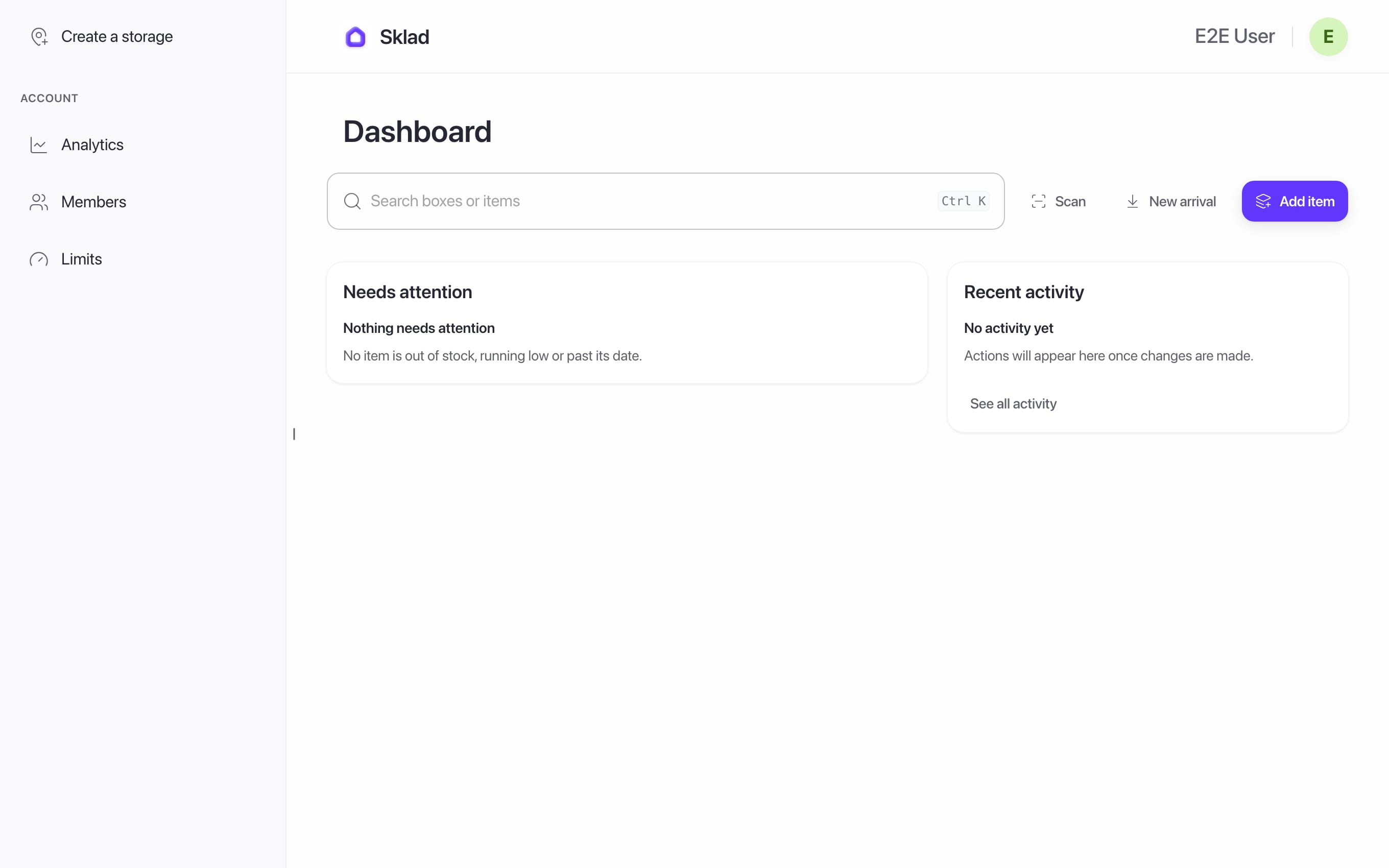
- Open the storage, then click Add section.
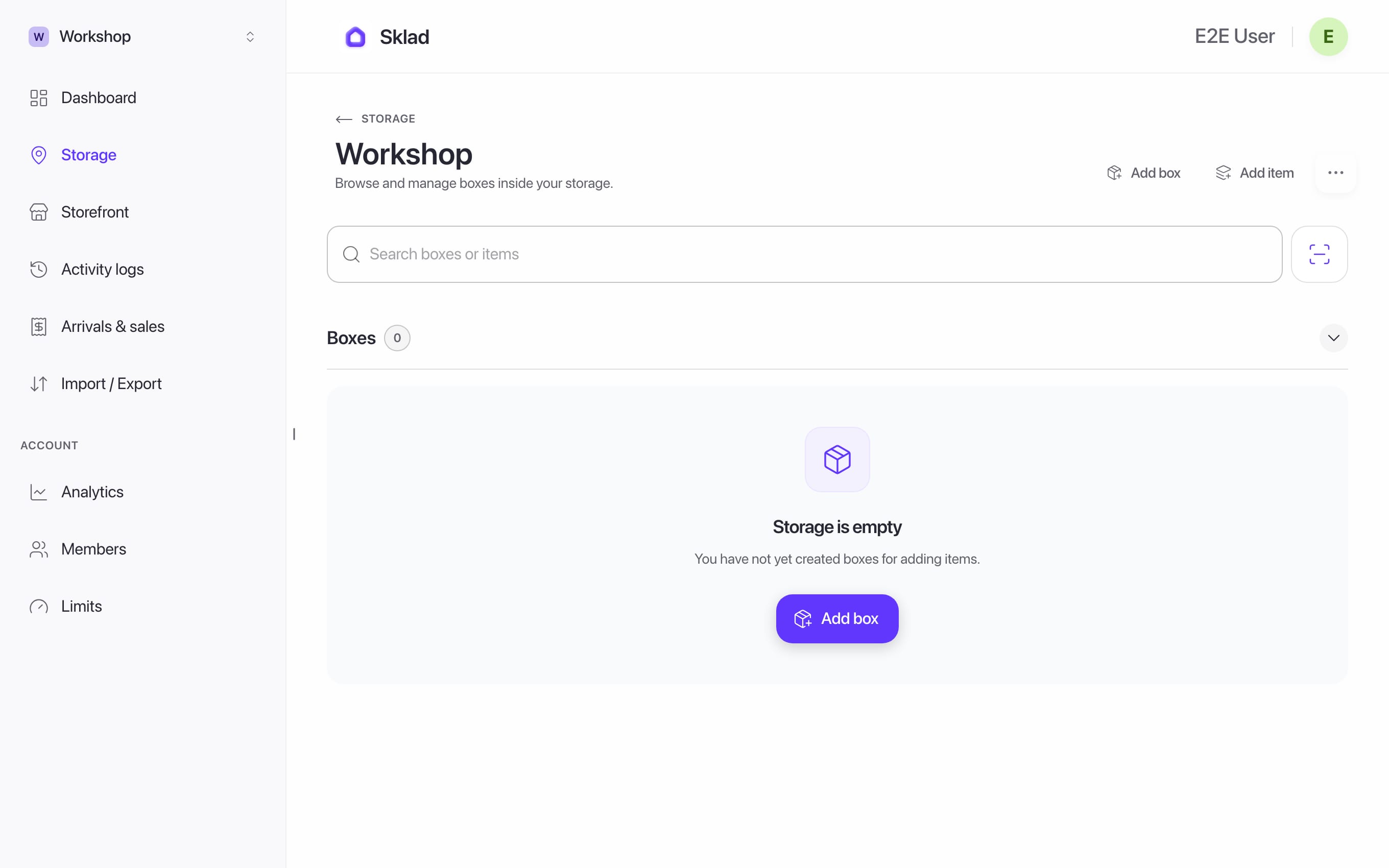
- Name the section, add notes if you like, and click Save section.
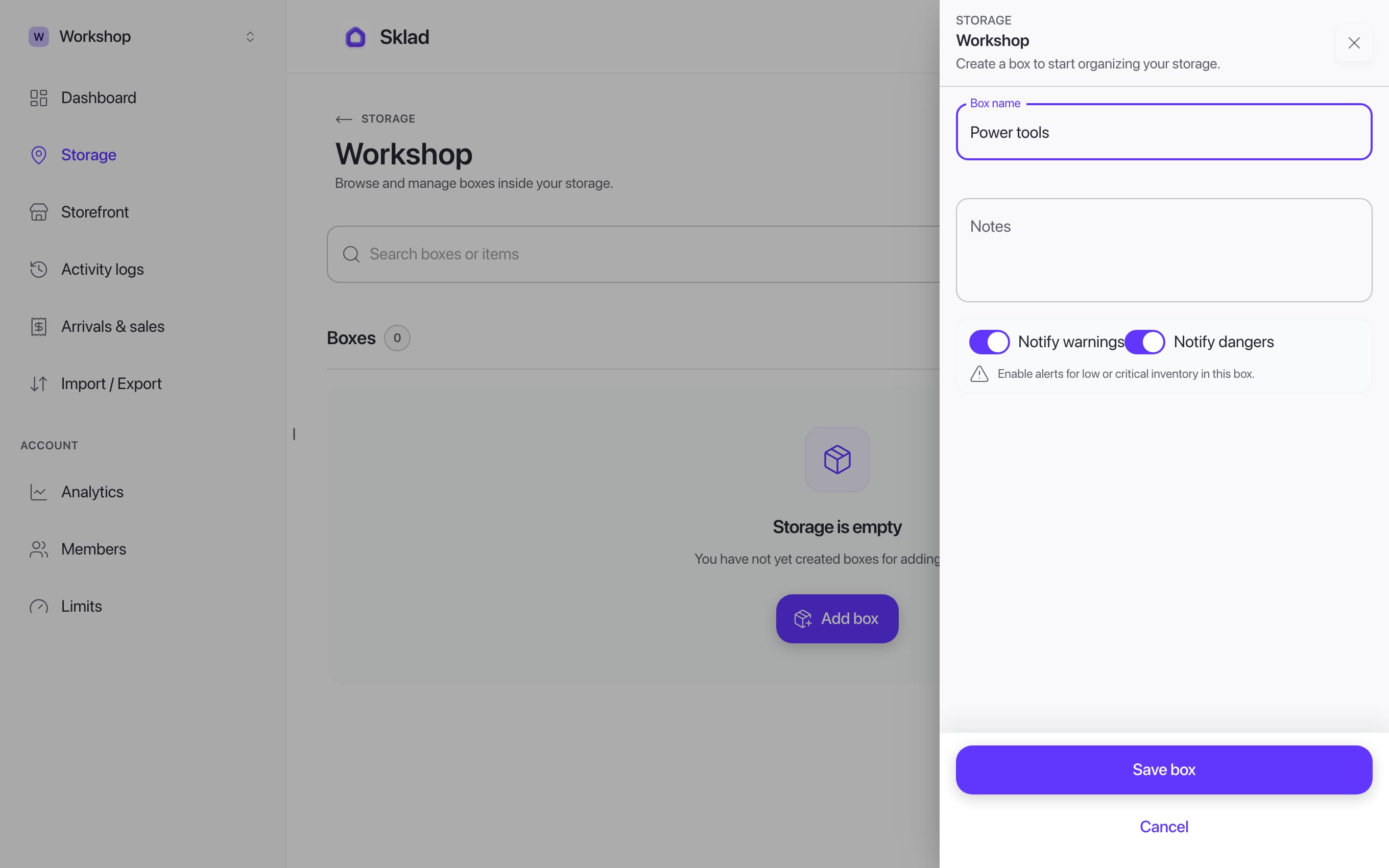
- To move a box to another storage, open the box, then More actions → Move, and choose where it goes.
Next
- Multi-Warehouse Inventory Software — One Account, Every Location
- How to add items with photos and notes in SkladAn item is one thing you keep track of: its name, how many you have, and where it is.
- How to import items from a CSV file into SkladImport adds many boxes and items at once from a spreadsheet.
- How to invite members and set roles in SkladInvite people to your account, then choose which storages each one can see.