How to export your inventory to CSV from Sklad
Export saves everything in the current storage as a file you can open in a spreadsheet. It works on every plan.
Do this
- In the sidebar, open Import / Export.
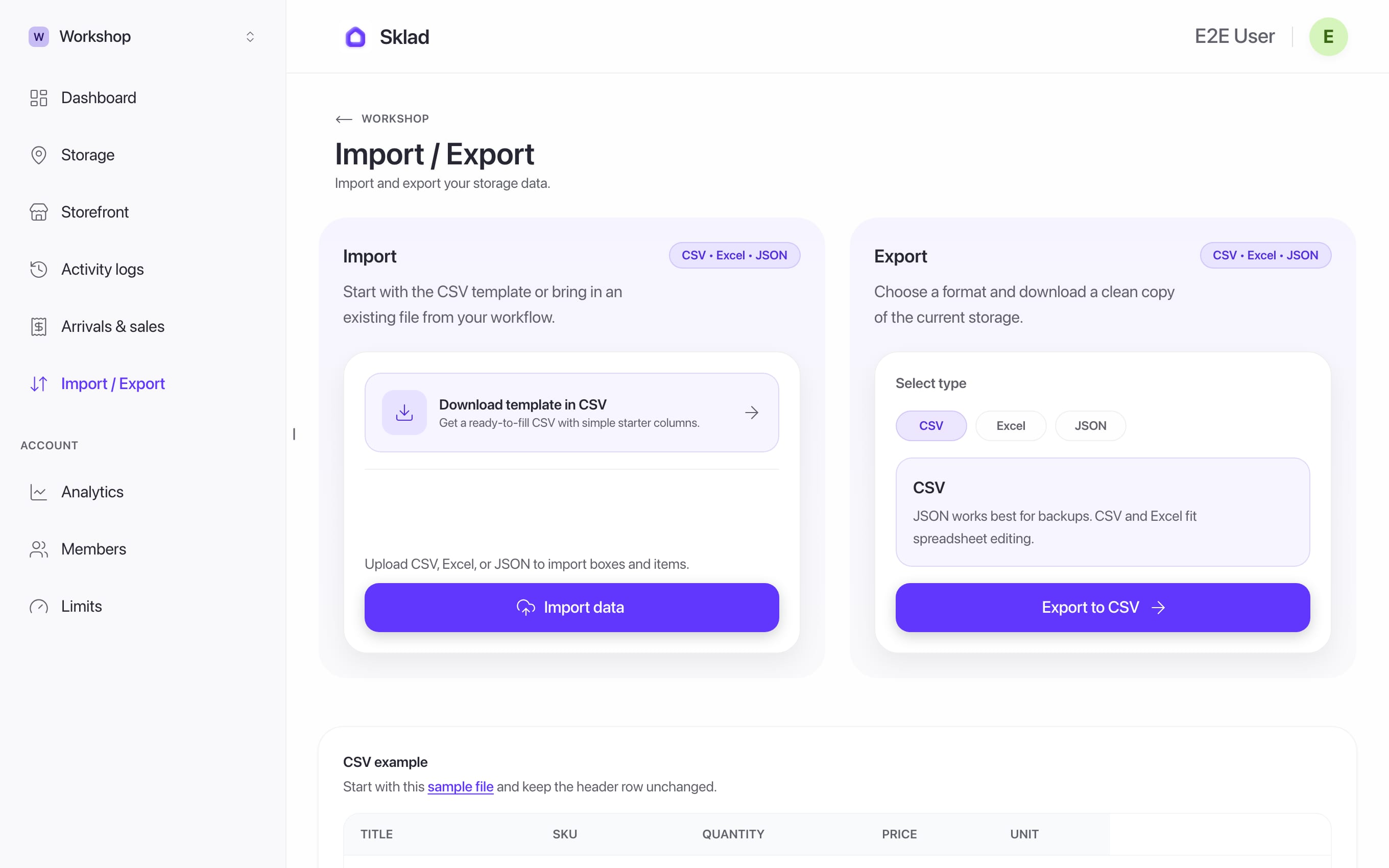
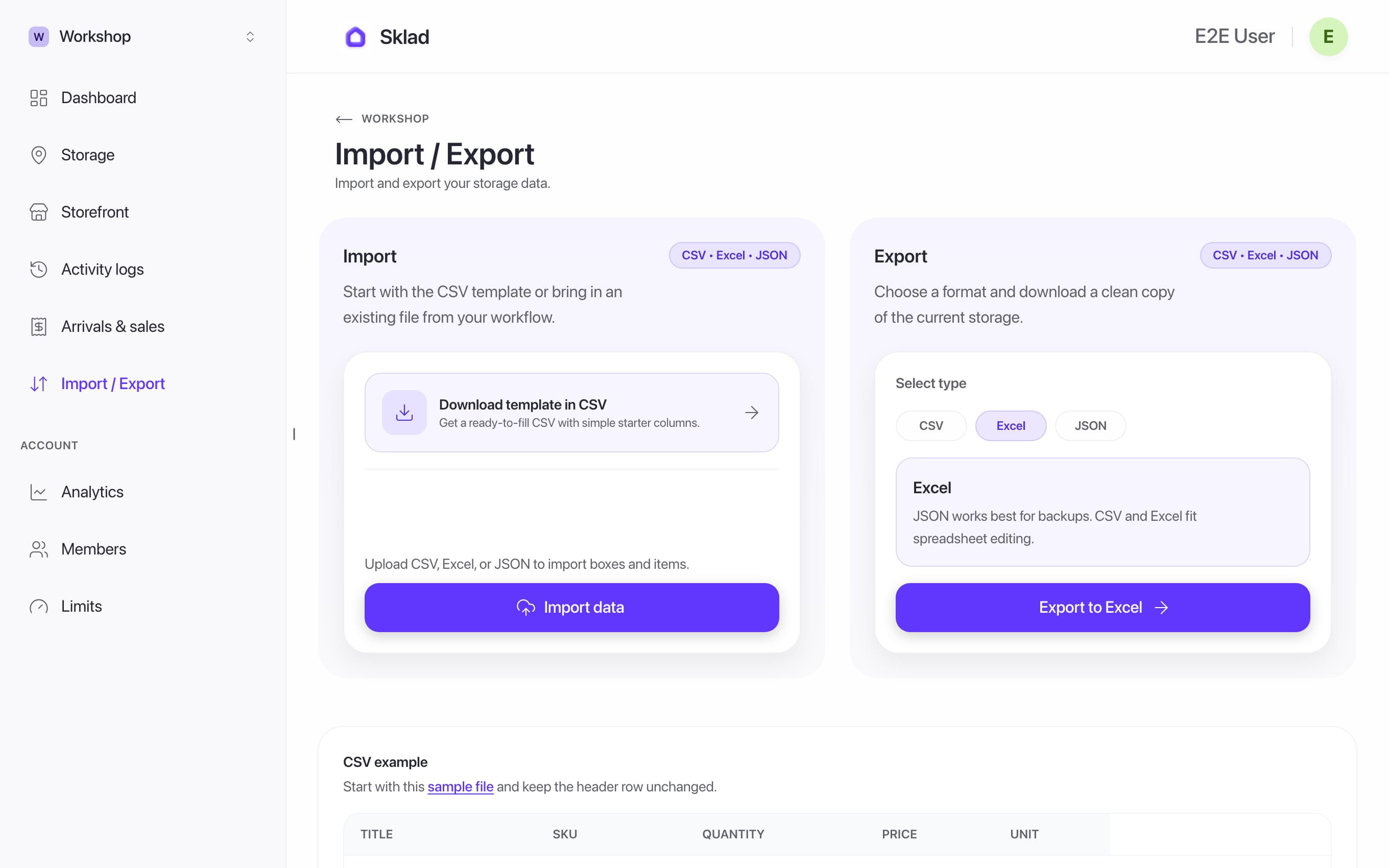
- Under Export, choose a type: CSV, Excel or JSON.
- Click Export to CSV. The label follows the type you chose. The file downloads.
If it goes wrong
The export holds the wrong items: it is always the current storage, so switch storage first.
- Anything elseContact us